




The best B2B and lead prospecting tool depends on the job: finding contacts, sequencing LinkedIn and email, enriching CRM data, or identifying intent. We compare eight options by documented capabilities, workflow fit, integrations, and public pricing. Commercial disclosure: Overloop publishes this guide and is one of the products compared; our recommendations are editorial fit assessments, not controlled performance rankings.



Compare B2B prospecting tools by the job you need done
Start with the missing step in your sales process. Contact databases, outreach platforms, buyer-intent feeds and demo tools solve different parts of prospecting. The table below separates those jobs so a small team can shortlist a useful combination.
| Tool | Job to evaluate | What to check in a trial |
|---|---|---|
| Overloop | Find contacts and run email plus LinkedIn outreach in one workflow. | Build a list for your actual target market, inspect verification results and review a complete sequence. See the prospecting workflow. |
| LinkedIn Sales Navigator | Research people and accounts through LinkedIn search and relationship context. | Check whether its search filters identify the roles and companies you need. |
| Apollo.io | Build contact lists and connect data to outreach. | Compare relevant records in its prospecting database, then check export credits and sequence access. |
| ZoomInfo | Source company and contact intelligence for a sales team. | Use your own accounts to assess coverage. Request a quote that includes the data, users and integrations your team needs. |
| G2 Buyer Intent | Prioritize accounts researching software on G2. | Inspect which product, category and comparison signals match your market, and how they reach your sales workflow. |
| Storylane | Let prospects explore an interactive product demo. | Build a demo experience for a specific buyer question and define how sales follows up. |
| Lusha | Look up business contact details. | Check relevant contact data, credit consumption and the handoff to your CRM or outreach tool. |
| HubSpot Sales | Manage prospects, sales activity and pipeline in a CRM. | Check which sales features your plan includes and test the team's follow-up process. |
Which job is missing from your workflow?
- 1. Find the right people
Use LinkedIn research or a contact database. Check role, company and geography before buying more records.
- 2. Run and record outreach
Use sequences and a CRM handoff. Test reply stopping and ownership with accounts you control.
- 3. Prioritize an account
Use intent signals when their coverage matches your market. An account signal does not identify a consenting individual buyer.
- 4. Explain the product
Use a focused interactive demo once a buyer needs to understand a workflow. Demo software complements sourcing and outreach.
These eight products cover different jobs. Buying one from every category creates cost and handoffs; start with the missing step.
How to compare the cost of a prospecting stack
Compare the full monthly bill: seats, contact or enrichment credits, sending accounts, connected tools and setup work. Keep monthly billing and annual contracts separate. A low entry price tells you little if your workflow requires another plan or a second product.
- Founder or solo rep: map the path from finding one suitable buyer to recording their reply. Start with the smallest stack that completes that path.
- Small sales team: check shared ownership, duplicate contacts, follow-up rules and CRM handoff before adding more seats.
- Team with an existing stack: add a specialist only for a missing job, such as enrichment, account signals or sequence management. Our sales engagement platform comparison covers the outreach layer in more detail.
Test shortlisted tools on the same representative accounts. Record usable contacts, replies, qualified meetings and time spent by the team. Calculate cost per qualified meeting from your actual software and operating costs divided by the qualified meetings produced; keep raw reply counts separate from qualified opportunities.
Calculate your prospecting cost
Example inputs below are hypothetical. Use one currency throughout. Normalize a quote into a per-seat monthly price; put workspace charges and other subscriptions in additional costs.
Formula: seats × price + additional software costs + team hours × hourly cost. Divide that total by qualified meetings for cost per meeting.
Run a comparable trial before buying
Download the prospecting trial scorecard (CSV). It contains blank fields, not vendor scores. Start with the same 20 representative accounts in your target region for each shortlisted product; this is a practical pilot size, not a statistical benchmark.
- Record the selected plan, billing term, seats, credits and all connected-tool costs in one currency.
- Check whether returned contacts match the role and company you requested. Count usable contacts separately from raw records.
- Using accounts you control, verify reply stopping, duplicate handling and the exact fields passed to your CRM.
- Record operator time, qualified replies and qualified meetings over the same observation period. Keep definitions consistent.
- Document export and deletion options, then select the tool that completes your workflow at an acceptable total cost.
Methodology & sources5 sources
How we compared these tools
We assessed product fit for a small B2B team using current public product documentation and pricing. This is not a controlled head-to-head test, and we do not claim independently measured accuracy, inbox placement, or revenue lift.
- Workflow coverage: contact discovery, enrichment, sequencing, CRM handoff, and reporting.
- Published limits: credits, connected accounts, campaigns, trials, and plan-specific integrations where vendors disclose them.
- Small-team fit: whether one product can replace several point tools without creating a complex handoff.
- Evidence boundary: vendor-reported capabilities are treated as product claims, not independent benchmarks.
- Commercial disclosure: Overloop publishes this article and is evaluated alongside competitors.
Pricing is a point-in-time snapshot. Recheck each linked vendor page for your region, billing term, taxes, usage limits, and add-ons.
1. Overloop
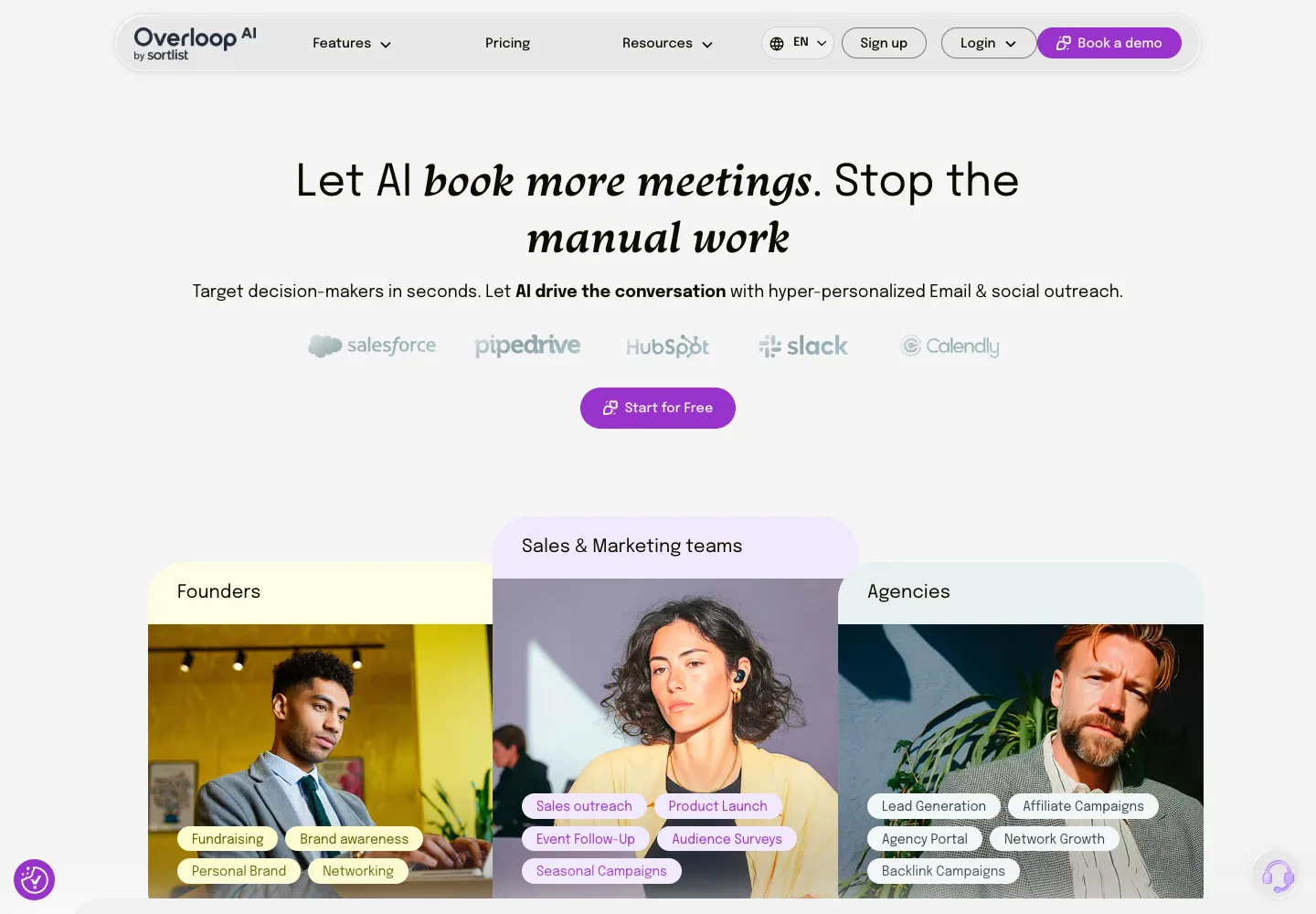
Best for a small team combining contact sourcing with email and LinkedIn campaigns. Disclosure: Overloop publishes this guide and is our product.
What to evaluate
The documented workflow brings AI list building, an email finder, campaigns and an inbox together. Starter is $69/user/month with 250 credits, one connected email account and three campaigns. Growth is $99/user/month with 500 credits, three email accounts and ten campaigns.
Limitations and buying checks
Credits and connected accounts can become the constraint before seats. Confirm the precise CRM objects and direction of each integration; an integration listing does not imply every reply or field synchronizes both ways.
A concrete trial task
Build a small list for your actual region and job titles. Check each returned contact, use a controlled reply to test sequence stopping, and inspect the resulting CRM record.
Official Overloop product information. Public-page research updated September 7, 2026.
2. LinkedIn Sales Navigator
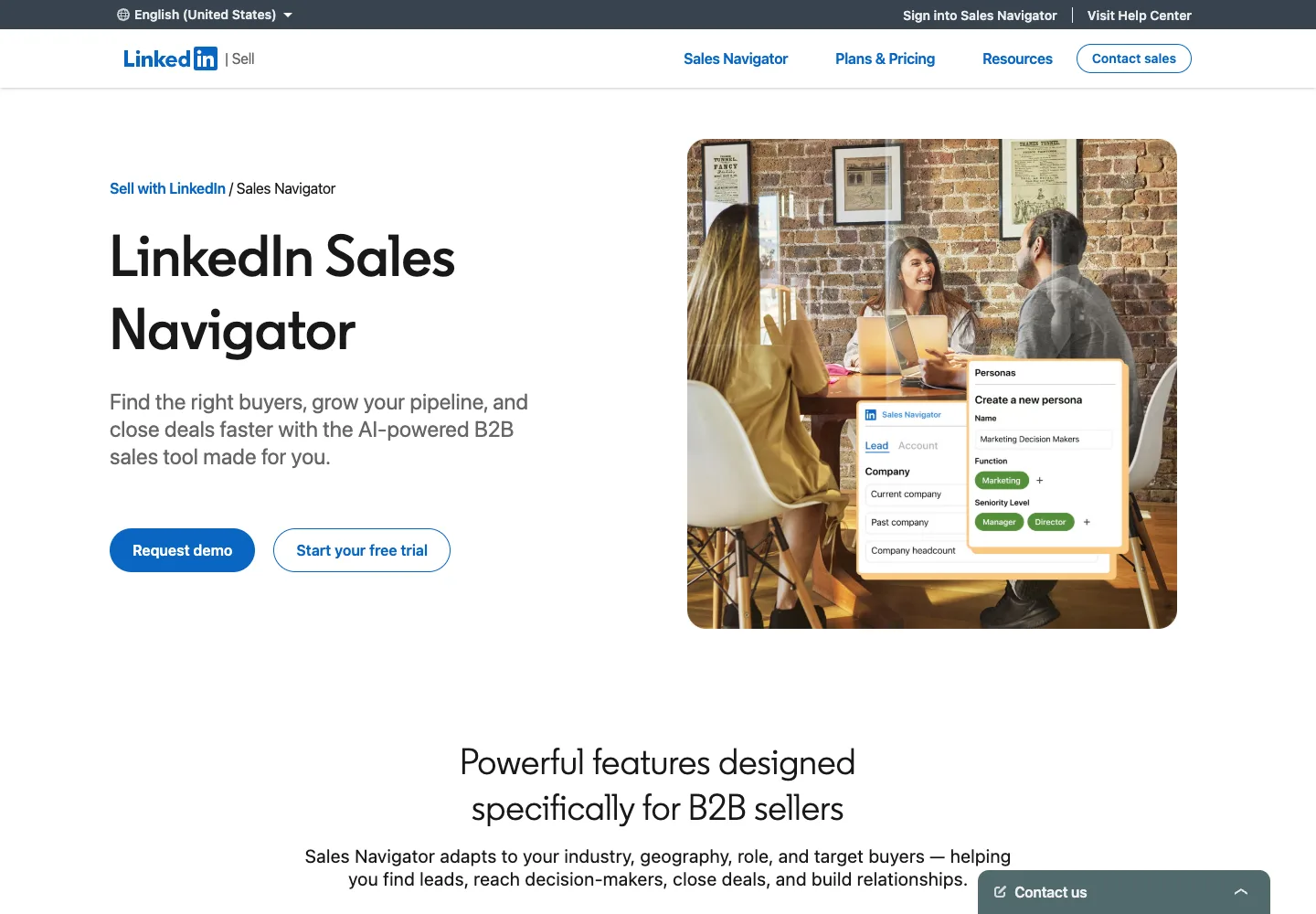
Best for researching named accounts and people within LinkedIn before deciding who belongs in a prospect list.
What to evaluate
Its product page describes lead and account search, saved leads and alerts. Use the research layer to identify a role change or relevant account, then decide how that information enters your sales workflow.
Limitations and buying checks
This is not a substitute for a separate email-sending platform. Evaluate the exact subscription, CRM capabilities and permitted workflow; do not assume a paid LinkedIn plan authorizes third-party automation.
A concrete trial task
Take the same target accounts used for database trials. Find the relevant decision-maker, save the account and measure research time. Check whether your CRM handoff needs another plan.
Official LinkedIn Sales Navigator product information. Public-page research updated September 7, 2026.
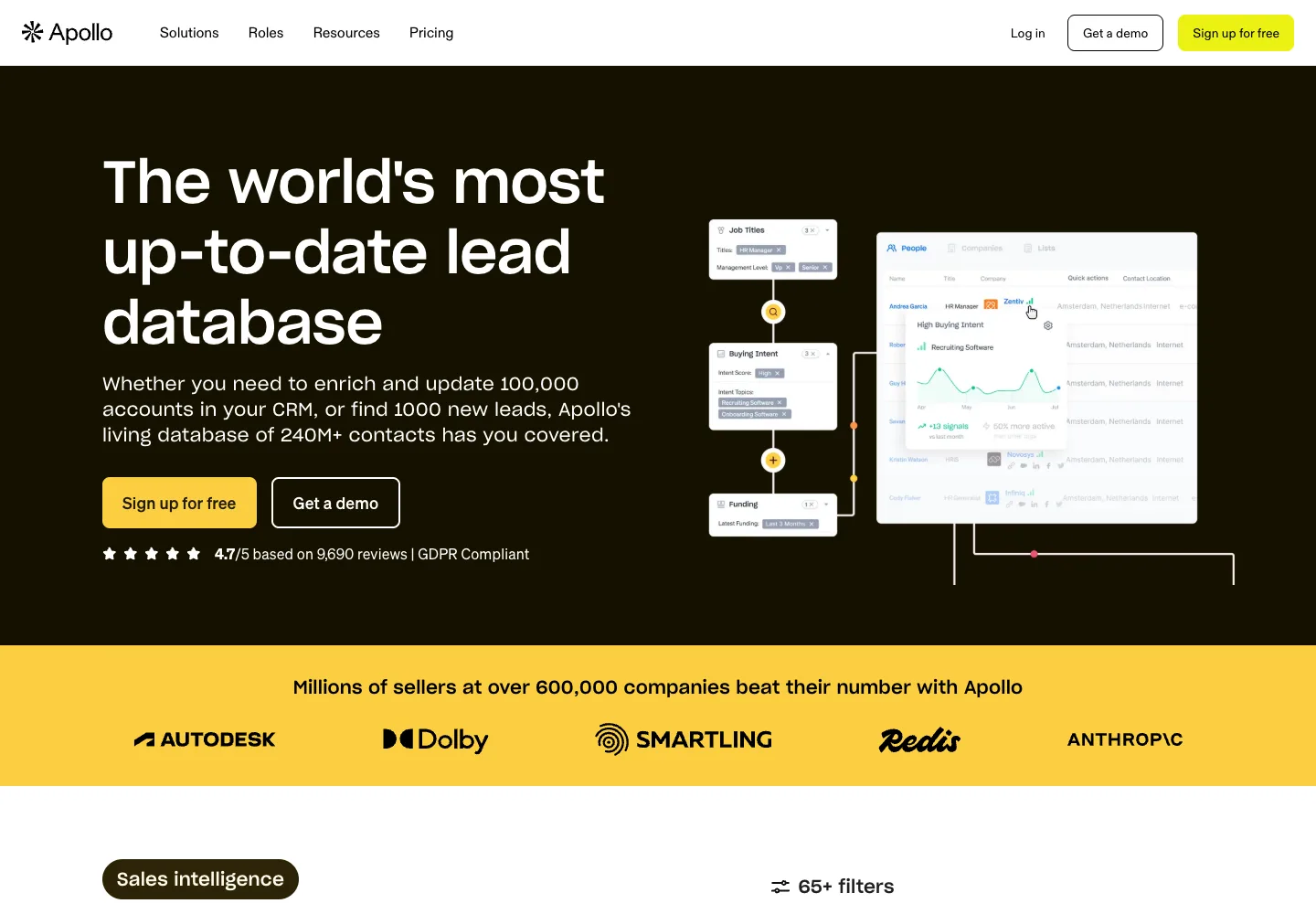
3. Apollo
Best for buyers evaluating a prospect database and sales engagement in the same platform.
What to evaluate
Apollo presents contact discovery, enrichment and outreach as connected capabilities. A combined workflow can reduce exports between a data tool and a sequencer, provided the selected plan covers both jobs.
Limitations and buying checks
A database headline is not evidence of coverage for your market. Separate contact access, export or enrichment credits, sending limits and required integrations in the quote.
A concrete trial task
Compare usable contacts on the same accounts and roles as the other database candidates. Inspect credit deductions and duplicates, then follow one record through a campaign and CRM update.
Official Apollo product information. Public-page research updated September 7, 2026.
4. ZoomInfo
Consider for a team evaluating a dedicated B2B intelligence provider and willing to review a detailed commercial proposal.
What to evaluate
Request a demonstration built around your target accounts, the fields you need and your existing CRM. Keep contact intelligence, engagement and any additional modules separate in the evaluation.
Limitations and buying checks
We do not publish a numeric price or a fresh feature checklist here without a verified current offer. Ask for minimum commitment, user and export allowances, renewal terms and all required modules in writing.
A concrete trial task
Give the vendor the same representative account sample as the other data providers. Verify relevant contacts and field completeness before accepting a broad database-size claim as proof of fit.
Request current information from ZoomInfo. A current public-page capture was unavailable, so none is presented as evidence here.
5.  G2 Buyer Intent
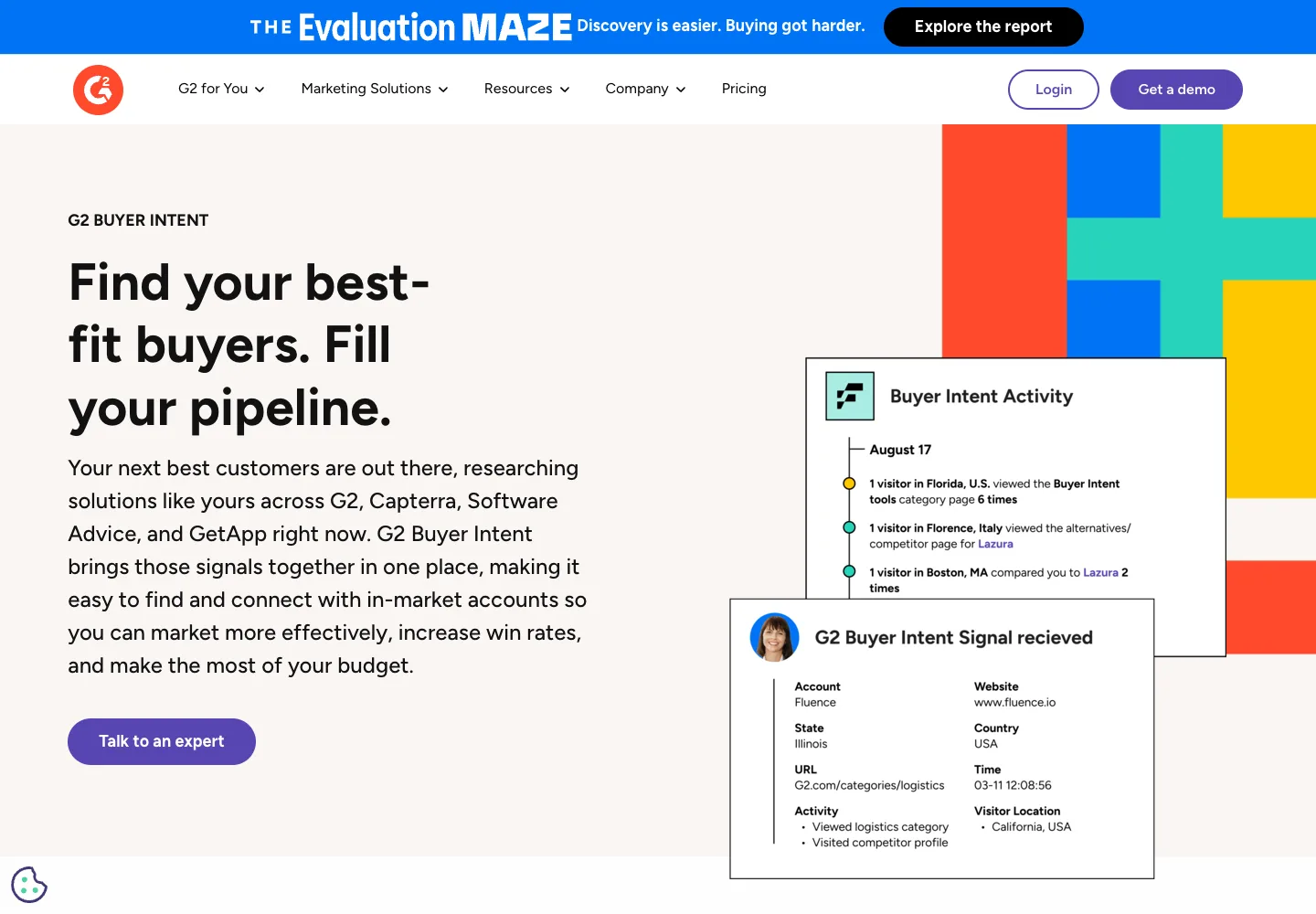
Best for prioritizing accounts that show relevant software-research activity within the provider’s review ecosystem.
What to evaluate
G2 positions Buyer Intent as account-level signals from software research. Use a relevant signal to decide which account deserves additional research or a more timely sales task.
Limitations and buying checks
An account signal is not a named person’s request to be contacted, and it does not replace contact sourcing. Coverage, freshness and delivery into your CRM must match your category and market.
A concrete trial task
Ask for examples from your software category. Measure how many signals map to accounts you actually sell to, and verify the timestamp and field mapping before using them in a sequence.
Official G2 Buyer Intent product information. Public-page research updated September 7, 2026.
6.  Storylane
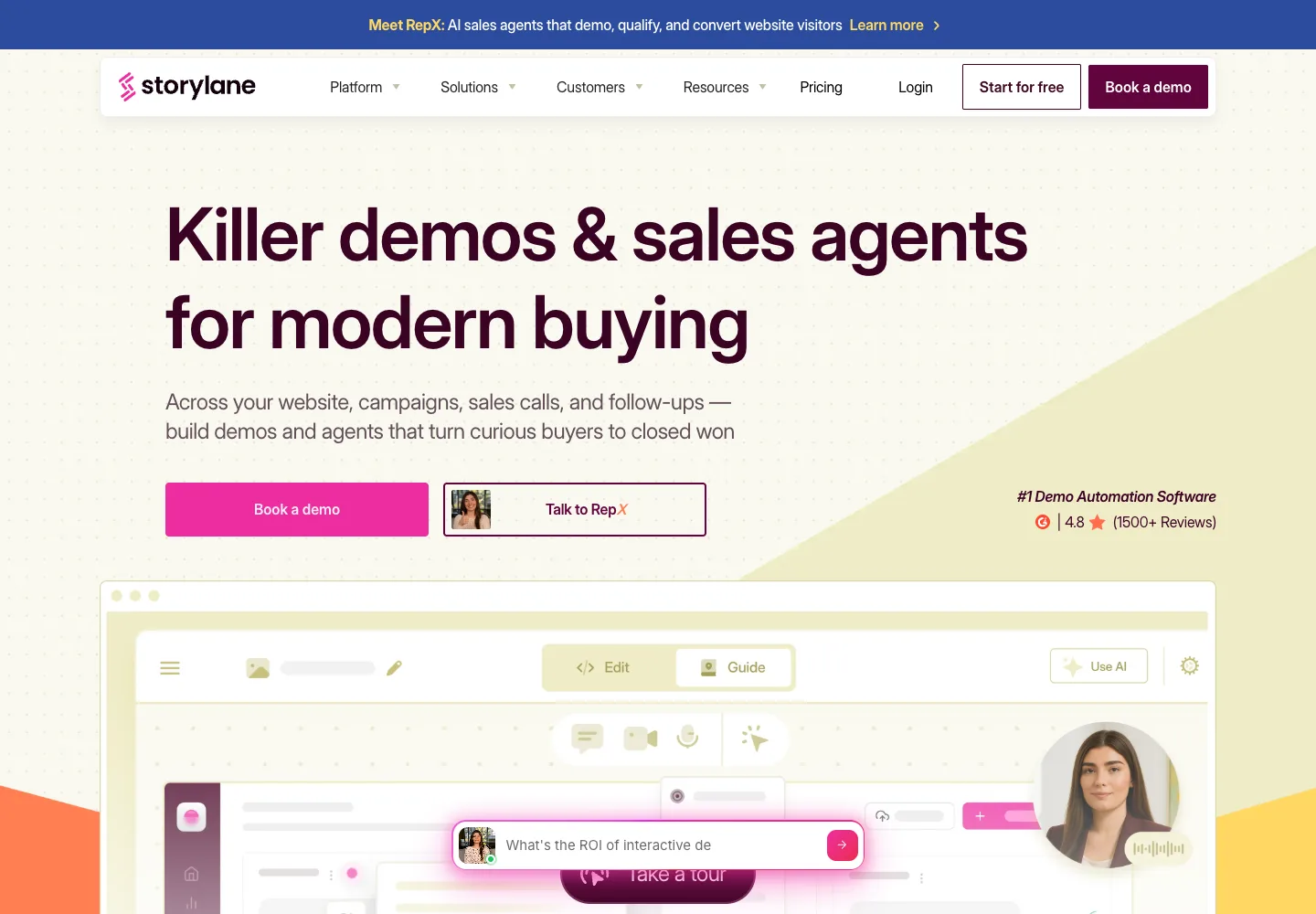
Best for helping an interested buyer explore a product workflow through an interactive demo.
What to evaluate
Storylane presents interactive product demonstrations that sales teams can share. A narrow demo can answer one buying question before a live meeting or reinforce a follow-up after it.
Limitations and buying checks
It complements prospecting; it does not supply the contact list or replace outreach. Include the time needed to create and maintain demos when comparing the subscription cost.
A concrete trial task
Build one short demo for a specific buyer question. Have someone unfamiliar with the product complete it, check the mobile experience and define what sales does after engagement.
Official Storylane product information. Public-page research updated September 7, 2026.
7. Lusha
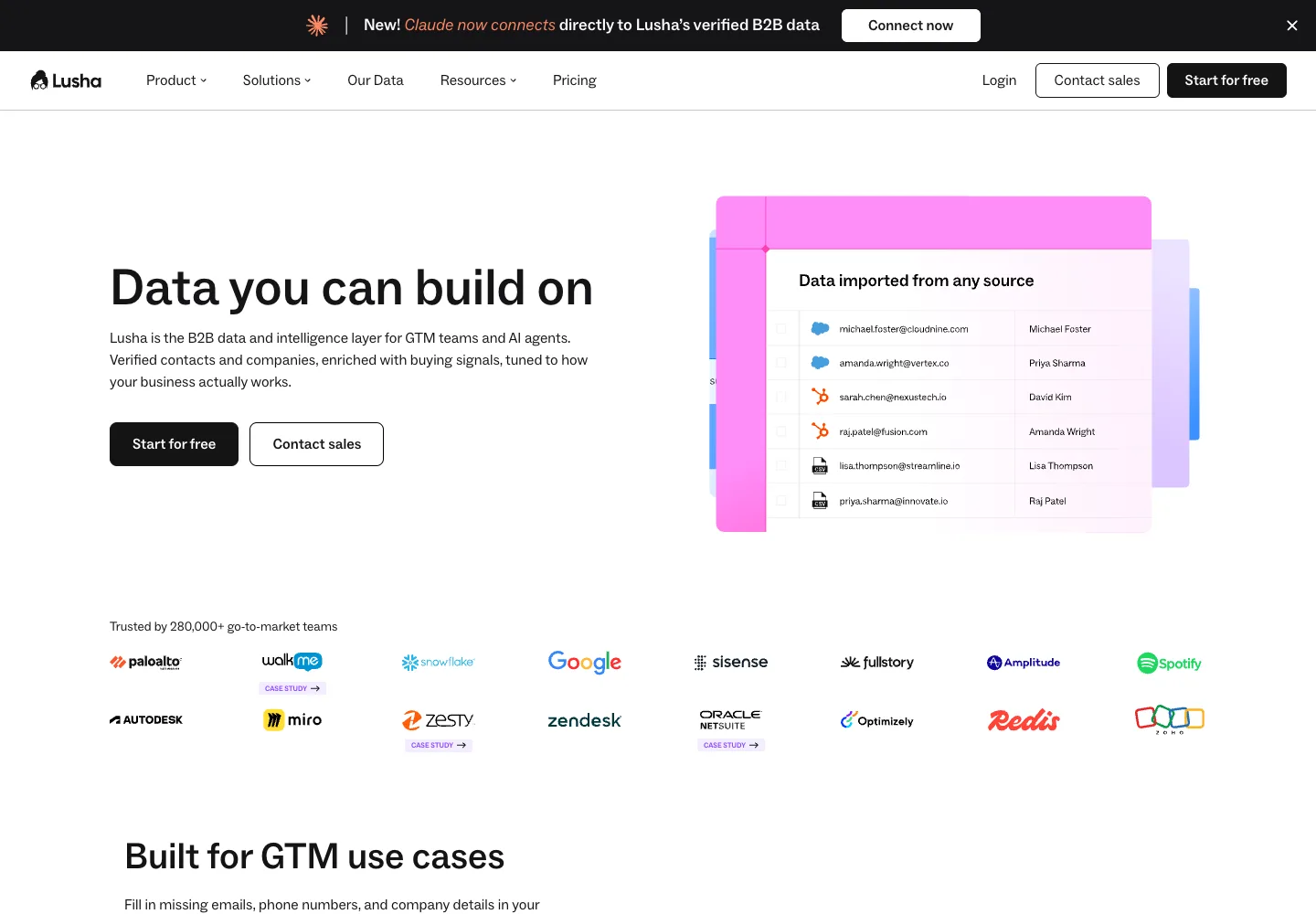
Best for adding business contact data to an existing prospecting workflow.
What to evaluate
Lusha’s public product page describes contact discovery and enrichment. Evaluate it as a data layer when your team already has a preferred sequencer or CRM.
Limitations and buying checks
Credit consumption and relevant contact coverage matter more than the headline number of records. Check which fields consume credits and how records move into your current stack.
A concrete trial task
Look up the same people or accounts used for other database trials. Record usable details, credit deductions, duplicate behavior and the time needed to move approved contacts into your workflow.
Official Lusha product information. Public-page research updated September 7, 2026.
8. HubSpot Sales Hub
Best for teams that want their sales process centered on their CRM.
What to evaluate
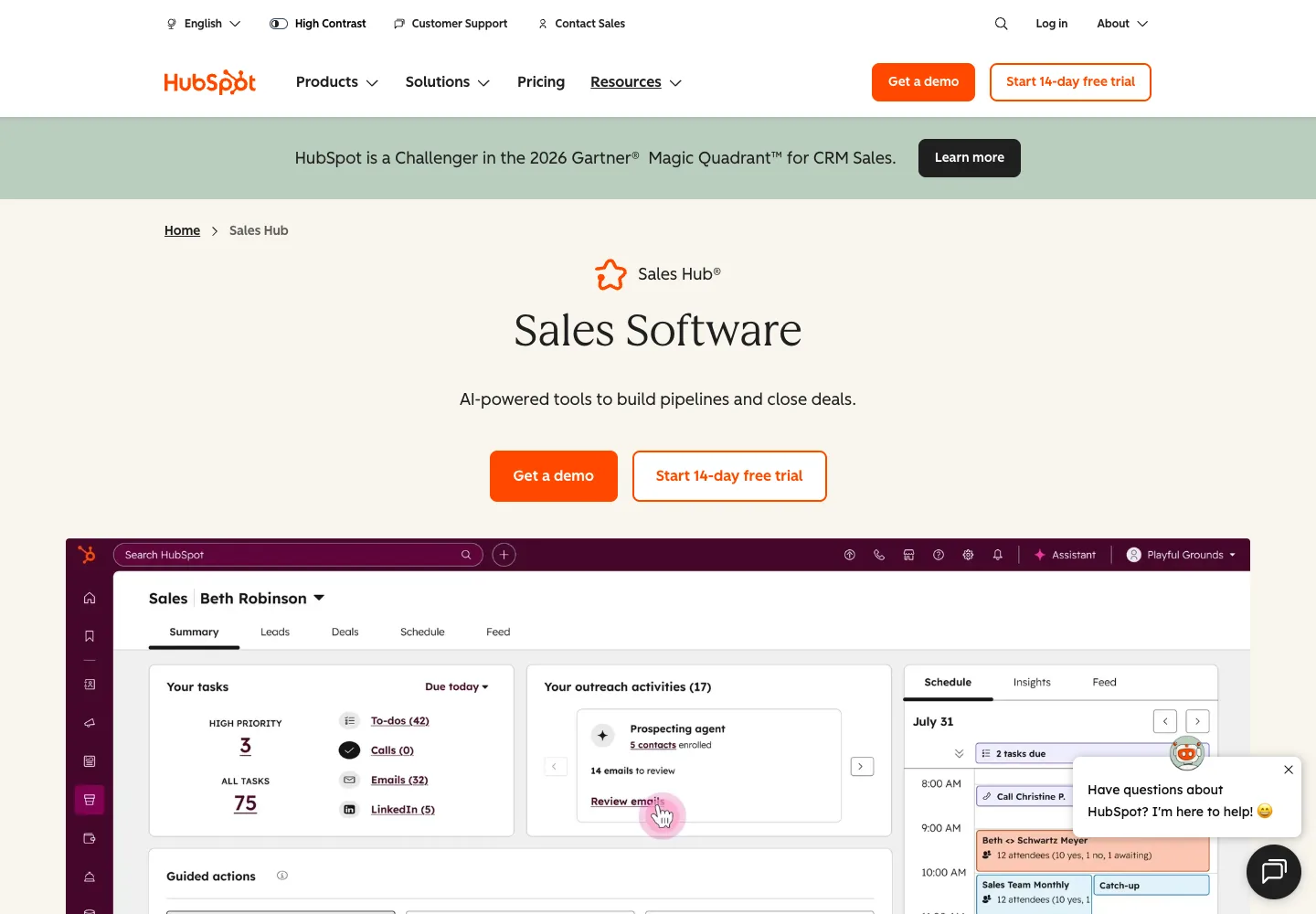
HubSpot presents Sales Hub as a connected sales workspace. Keeping activities, ownership and pipeline information together can simplify follow-up if your team consistently works in that CRM.
Limitations and buying checks
Free CRM access does not mean every Sales Hub automation is included. Confirm the tier and paid seats required for sequences, reporting and your integrations, plus any onboarding cost.
A concrete trial task
Track one prospect from initial activity to reply and deal creation. Check who owns the record, which activity is logged automatically and whether the desired sequence requires a higher subscription.
Official HubSpot Sales Hub product information. Public-page research updated September 7, 2026.
Choose the smallest stack that completes your workflow
Use the same account sample, definitions and observation period for every trial. Compare useful contacts, qualified replies, qualified meetings, operator time and the full monthly bill. A specialist can be the right choice when it fills a specific gap in an existing stack.
How to choose a B2B lead prospecting tool
Picking the right sales prospecting and outreach tool starts with three honest questions: what volume are you sending per week, which channels do your prospects actually reply on, and what is your real per-seat budget once credits and overages are counted. Match those answers to the categories: contact-database tools (Apollo, ZoomInfo, Lusha), LinkedIn research (Sales Navigator), sequencing and all-in-one outreach platforms (Overloop, HubSpot Sales), and intent-data layers (G2 Buyer Intent Data). An all-in-one can reduce tool switching, while a point-tool stack may offer deeper coverage in one job. Compare total cost, usable-contact coverage, workflow time, and measured outcomes in a pilot.
What is the best sales outreach tool for B2B teams?
For B2B teams that want one tool covering LinkedIn and email, Overloop is our disclosed best fit because both channels, contact data, and sequencing live in one workflow. LinkedIn Sales Navigator is a better fit for LinkedIn-first research, while Apollo and Lemlist serve different data and outreach mixes. Compare each vendor's current plan limits at your expected contact volume; the right answer depends on workflow and channel mix, not a universal ranking.
Are free prospecting tools any good?
Free tiers can be useful for validating a workflow before adding automation, but included searches, verifications, sequences, and daily sends change frequently. Start with the smallest plan that covers a measurable pilot, then compare paid options using cost per usable contact, reply quality, and time saved. Do not assume a paid tool will pay for itself without measuring those outcomes.
One tool for prospecting + outreach?
Overloop runs LinkedIn + email sequences from one workspace and lists a 450M+ contact database. Public plans currently start at $69/user/month with 250 monthly credits; check the pricing page for current limits.
Try Overloop free →Book a demoFrequently asked questions
What are the best B2B prospecting tools?
The eight options compared here are Overloop AI, LinkedIn Sales Navigator, Apollo.io, ZoomInfo, G2 Buyer Intent Data, Storylane, Lusha, and HubSpot Sales. Choose by workflow: contact data, LinkedIn research, sequencing, CRM, intent signals, or interactive demos. Features and prices vary by plan, so verify current vendor pages.
What features should small teams prioritize in a prospecting tool?
Five areas matter most for small teams: search and filtering, workflow automation, data freshness and verification statuses, CRM integration, and transparent plan limits. EU teams should also review lawful basis, vendor DPA terms, data location, and their own notice obligations.
How does Overloop AI help small teams scale prospecting?
Overloop combines a 450M+ contact database, finder and verifier, LinkedIn and email sequencing, and a Chrome extension in one workflow. Its public pricing page currently lists Starter at $69/user/month with 250 credits and Growth at $99/user/month with 500 credits. Coverage and campaign results vary.
What is the difference between LinkedIn Sales Navigator and Apollo.io?
LinkedIn Sales Navigator focuses on research and relationship signals inside LinkedIn, including advanced filters and TeamLink on eligible plans. Apollo.io combines contact data, enrichment, and outreach features. Choose by workflow and verify current channel access, credits, and limits on each vendor's plan page.
How does buyer intent data improve prospecting?
Buyer-intent data can surface accounts researching a category or comparison on the provider's properties. Use it to prioritize accounts for review, then validate fit and contact data. A research signal is not proof that an account is ready to buy.
Can interactive demos like Storylane really increase conversions?
Interactive demos can let prospects explore a guided product experience without a live call, but they do not guarantee higher conversion. Evaluate a tool such as Storylane using completion rate, qualified follow-up, and demo-to-opportunity conversion in your own funnel.
What is the most affordable starting stack for a small team?
There is no universal cheapest stack. Start with a CRM and a small, measurable prospecting pilot, then add data or sequencing only when the workflow needs it. Compare current plan limits at your expected contact volume and measure cost per usable contact and qualified reply.
What is the best sales outreach tool?
The best sales outreach tool depends on channel mix, data needs, CRM workflow, and volume. Overloop is our disclosed best fit for teams that want contact data plus LinkedIn and email sequencing in one workspace. LinkedIn Sales Navigator, Apollo, and Lemlist serve different workflows; compare current plan limits before choosing.
What is the cheapest prospecting tool?
The cheapest option depends on required contacts, credits, channels, and seats. Free CRM or limited contact-search tiers can support a pilot, while sequences and higher usage are often paid. Compare total cost at your expected volume instead of relying on a headline price.
What is the difference between prospecting tools and outreach tools?
Prospecting tools find, enrich, or verify contacts. Outreach tools send and sequence messages across supported channels. All-in-one platforms can reduce handoffs, while point tools may offer deeper specialist features. Choose the architecture that fits your data, channel, and CRM requirements.
Is there a free sales outreach tool?
Some vendors offer free CRM, manual prospecting, or limited contact-search tiers, but plan limits change. HubSpot's free CRM does not include Sales Hub sequences; those are listed on paid tiers. Use free sales outreach tools for a small pilot and verify current limits before launch.
What is the best outreach tool for small businesses?
Overloop is our disclosed best fit for small businesses that want a 450M+ contact database plus LinkedIn and email sequencing in one workspace. Its public plans currently start at $69/user/month with 250 monthly credits. LinkedIn-first or CRM-first teams may prefer a different tool or combination.
Best LinkedIn + email outreach tool?
Overloop is our disclosed best fit for a combined LinkedIn and email workflow because both channels, contact data, and a Chrome extension are available in one workspace. Current public plans list one connected email account on Starter and three on Growth. Results and account-policy risk still depend on configuration and use.