


We compared 13 LinkedIn outreach tools by channel coverage, account model, workflow controls, public pricing and documented limitations. Overloop is our multichannel pick for teams that want email and LinkedIn in one workflow; HeyReach is built around multiple LinkedIn senders; Expandi is a dedicated cloud option; Dux-Soup and Linked Helper have the lowest public monthly entry prices. Public pricing was refreshed September 7, 2026. This comparison uses vendor documentation and public-page captures; it does not report independent product tests.
Quick verdict
- Best for an email + LinkedIn workflow: Overloop.
- Best for agencies: HeyReach for sender rotation across many accounts.
- Best dedicated cloud campaign builder: Expandi for a dedicated IP, sequence branching and optional email follow-ups.
- Lowest public monthly entry price: Dux-Soup at $14.99/user/month, followed by Linked Helper’s current Standard offer at $29.90 for one month.
Disclosure: We build Overloop and include it in this comparison. The ranking is an editorial assessment of published capabilities and pricing, not a controlled product test. We did not verify vendor claims about restriction rates, acceptance rates or detection avoidance, so this guide does not repeat them as facts.
Policy first: LinkedIn's own guidance says third-party software that scrapes or automates activity on its website is not allowed. Features described by vendors as limits, warm-up, dedicated IPs or human-like timing may help control activity, but they do not make automation approved or guarantee that an account will not be restricted.
This guide therefore compares what buyers can verify: channels, billing model, sender or seat limits, workflow controls, integrations and public pricing. For the wider operating context, read our LinkedIn limits guide and our detailed Linked Helper review.
LinkedIn automation tools compared: pricing, channels and limits
13 tools shown. Plan requirements are listed in each row.
Channel support may require a higher plan or paid add-on; the filter does not imply it is included in the entry price.
| Tool | Public entry price | Billing unit | Documented channels | Important limitation |
|---|---|---|---|---|
| Overloop | $69/mo | User | Email + LinkedIn | Starter includes 250 credits, 1 email account and 3 campaigns; no phone channel is listed. |
| Dripify | $59/user/month; $39/user/month billed annually | User | LinkedIn + Gmail/Google Workspace email | Basic has 1 campaign and lower action quotas. |
| Expandi | $99 monthly; 20% annual discount | Account | LinkedIn + optional email follow-ups | Image, GIF and video personalization can require paid add-ons. |
| Zeekeo (current redirect from Zopto) | $149/seat/month, billed monthly | Seat | Email + LinkedIn | The former Zopto site is closed; old Zopto prices no longer apply. |
| Dux-Soup | $14.99/user/month; $11.25/user/month billed annually | User | Drip campaigns and inbox start on the $55/user/month Turbo tier. | |
| PhantomBuster | €69/workspace/month; €56/workspace/month billed annually | Workspace | 15+ platforms | Start is capped at 5 automation slots and 20 execution hours per month. |
| Linked Helper | $29.90/month Standard; $59.90/month Pro | License / LinkedIn account | Desktop application with a cloud-storage offering; one license covers one LinkedIn account. | |
| La Growth Machine | €60/identity/month; €50/identity/month billed annually | Identity | Email + LinkedIn; calls on Pro; X on Ultimate | Basic includes 250 enriched leads, 1 sending email and 3 active campaigns. |
| HeyReach | $79/sender/month; $71/sender/month billed quarterly | LinkedIn sender | LinkedIn; email via integrations | Agency is $999/month for 25 senders; native email sending is not listed. |
| Waalaxy | €19/mo billed annually | User | LinkedIn; email on Business | Pro includes 300 invitations/month; Business is €69/mo billed annually. |
| SalesRobot | $59/account/month; $39/account/month billed annually | LinkedIn account | LinkedIn + email | Basic has 1 active campaign; separate email pricing makes the full bundle ambiguous. |
| Lemlist | $109/user/month; $87/user/month billed annually | User | Email + LinkedIn + SMS + calling | LinkedIn requires Multichannel; enrichment and calls consume separate credits. |
| Skylead | $100/mo | Seat | Email + LinkedIn | AI enrichment and AI SDR are add-ons. |
Prices are shown in the vendor's published currency (PhantomBuster displayed EUR in our region); taxes and checkout totals may vary by country. Prices checked September 7, 2026.
How did we compare these 13 LinkedIn outreach tools?
This is a documented comparison, not a laboratory test. We reviewed each vendor's public pricing and feature pages, then normalized five buyer questions:
- Channels: LinkedIn only, or LinkedIn combined with native email, calling, SMS or partner integrations.
- Billing: per user, per sender, per workspace or usage pool; monthly and annual prices are labelled separately.
- Workflow: campaigns, branching, inbox, enrichment, API, webhooks and CRM integrations.
- Controls: vendor-documented pacing, quotas, account separation and activity settings.
- Limitations: add-ons, campaign caps, credit pools, local-only execution and unclear public pricing.
We did not assign proprietary scores or reproduce marketplace ratings. Vendor claims are described as vendor claims, and a missing public detail is labelled as unclear rather than inferred.
What does LinkedIn say about outreach automation?
LinkedIn's official help page says it does not allow third-party software or browser extensions that scrape, change the appearance of, or automate activity on its website. It says automated tasks may violate the User Agreement and can lead to an account restriction.
LinkedIn does not publish a universal safe daily or weekly quota by account type, SSI score or tool architecture. Numbers shown on vendor pricing pages are product settings or plan allowances; they are not LinkedIn-approved thresholds. This guide does not present vendor quotas as approved limits or infer restriction risk from SSI.
What controls are still useful to compare?
- Activity controls: can an admin set and audit per-sender quotas, schedules and campaign pauses?
- Account isolation: is each sender separated by workspace, login and network configuration?
- Reply handling: does a reply stop subsequent steps and route the conversation to a human?
- Data handling: what is collected, where is it stored, and can it be deleted or exported?
- Fallback: can the workflow continue through email or a manual task without forcing more LinkedIn activity?
These controls can reduce operational mistakes. They do not override LinkedIn's policy or eliminate account risk.
Which limits does LinkedIn actually document?
LinkedIn publishes no numeric daily or weekly sending quota, but it does document several hard limits and the behaviour that triggers a restriction. These are the only figures on this page that come from LinkedIn itself.
| What LinkedIn documents | Published rule | Source |
|---|---|---|
| Network size ceiling | A maximum of 30,000 1st-degree connections. LinkedIn states the limit cannot be increased or modified for any member. Past it, Follow becomes the default on your profile and you cannot accept or send new invitations until you remove connections. | Network size limit |
| Resending after a withdrawal | Once you withdraw an invitation you cannot send another to that person for up to three weeks. | Invitation restrictions |
| Search and profile browsing | A Commercial Use Limit caps profile search and browsing on free accounts. LinkedIn shows a warning as you approach it, states it cannot display how many searches remain, and cannot lift it on request. Free usage resets at midnight PST on the 1st of each calendar month. | Commercial use limit |
| Third-party automation | Software or browser extensions that scrape, alter or automate activity on the site are not allowed, and suspected use may lead to account suspension. | Automated activity |
What triggers an invitation restriction, and how long does it last?
This is the part worth planning around, because LinkedIn names the triggers explicitly rather than publishing a number. Its help centre lists two behavioural triggers: sending many invitations within a short amount of time, and having many invitations ignored, left pending, or marked as spam.
The second trigger is the one most operators miss. A large backlog of unanswered invitations is itself a documented risk factor, which is why withdrawing stale invitations and keeping the pending queue small matters more than hitting any particular daily figure. Our LinkedIn connection request templates exist for the same reason: an invitation that gets accepted never becomes a pending-queue problem.
| Situation LinkedIn describes | Documented wait |
|---|---|
| First restriction | Wait a few hours, then try again |
| Multiple restrictions in one day | Wait a few days, then try again |
| Too many outstanding invitations | Up to one month before another invitation can be sent |
| General case | Most restrictions are removed automatically within one week |
LinkedIn also states you cannot buy or acquire more invitations while restricted, so a paid upgrade is not an escape route once a restriction is in place. All four rows come from LinkedIn's invitation restrictions page.
Where the widely-quoted daily numbers come from
Search for a safe sending volume and you will find confident tables: 40-60 invitations a week for a new account, 100-200 for Sales Navigator, thresholds tied to your Social Selling Index. Those numbers circulate widely among automation vendors and practitioners, and some of them may well reflect real observed behaviour. None of them are published or confirmed by LinkedIn, and we have not run a controlled test that would let us assert them, so this guide does not present them as limits.
What is verifiable: SSI is a real LinkedIn score, ranging from 0 to 100 across four categories: establishing your professional brand, finding the right people, engaging with insights and building relationships. It is a sales-activity measure. LinkedIn does not document it as an input to invitation limits, and we do not claim it is one.
The practical consequence for tool selection is narrower than the tables suggest. Since LinkedIn declines to publish a quota and names pending-invitation backlog as a trigger, the controls that matter are the ones that let you pace activity, stop a sequence when someone replies, withdraw stale invitations, and continue through email instead of forcing more LinkedIn actions. Those are the controls compared in this guide. For the wider operating picture, our LinkedIn limits guide goes deeper on each rule.
01  Overloop
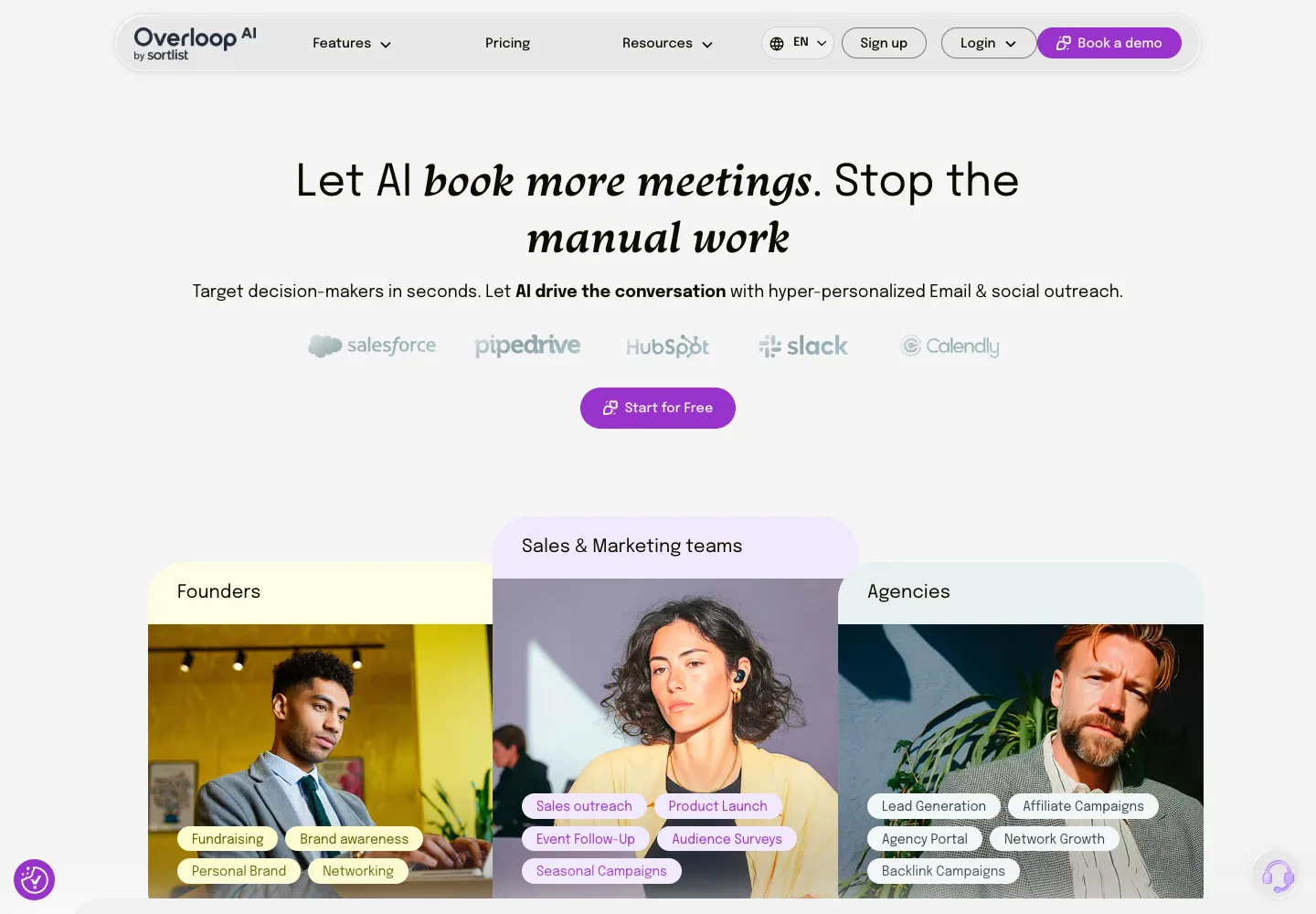
Disclosure: Overloop is our product. Its public pricing page documents AI-powered email and LinkedIn campaigns, a prospect database, email finding, an inbox, email warm-up and integrations.
Documented controls
The public pricing page does not publish a universal LinkedIn action quota or a guarantee against account restrictions. Evaluate any in-product pacing controls during the 14-day trial and apply LinkedIn's official policy independently.
What works well
Email and LinkedIn steps live in the same campaign, with AI-written follow-ups and a central inbox. AI list building and the email finder can feed the workflow without a separate CSV process. Growth adds HubSpot and Pipedrive integrations plus the REST API. For the product workflow, see Overloop's AI SDR; for a known address, use the reverse email lookup guide.
What doesn't
The public page does not list a phone or dialer channel. Starter is capped at 250 credits, one email account and three campaigns; Growth has 500 credits, three email accounts and ten campaigns. Sourcing a prospect and finding a valid email each consume one credit.
Pricing
Starter is $69/user/month; Growth is $99/user/month; Enterprise is custom. A 14-day trial is advertised. See current Overloop pricing and quotas.
Verdict
Best fit for B2B teams that want prospect sourcing, email and LinkedIn steps in one workflow. It is not the lowest-cost option and is less suitable if you only need a standalone LinkedIn automation layer.
Try Overloop free on your own LinkedIn outreach
Use the 14-day trial to verify campaign setup, quotas, integrations and the exact LinkedIn controls available to your account.
Try now free →02  Dripify
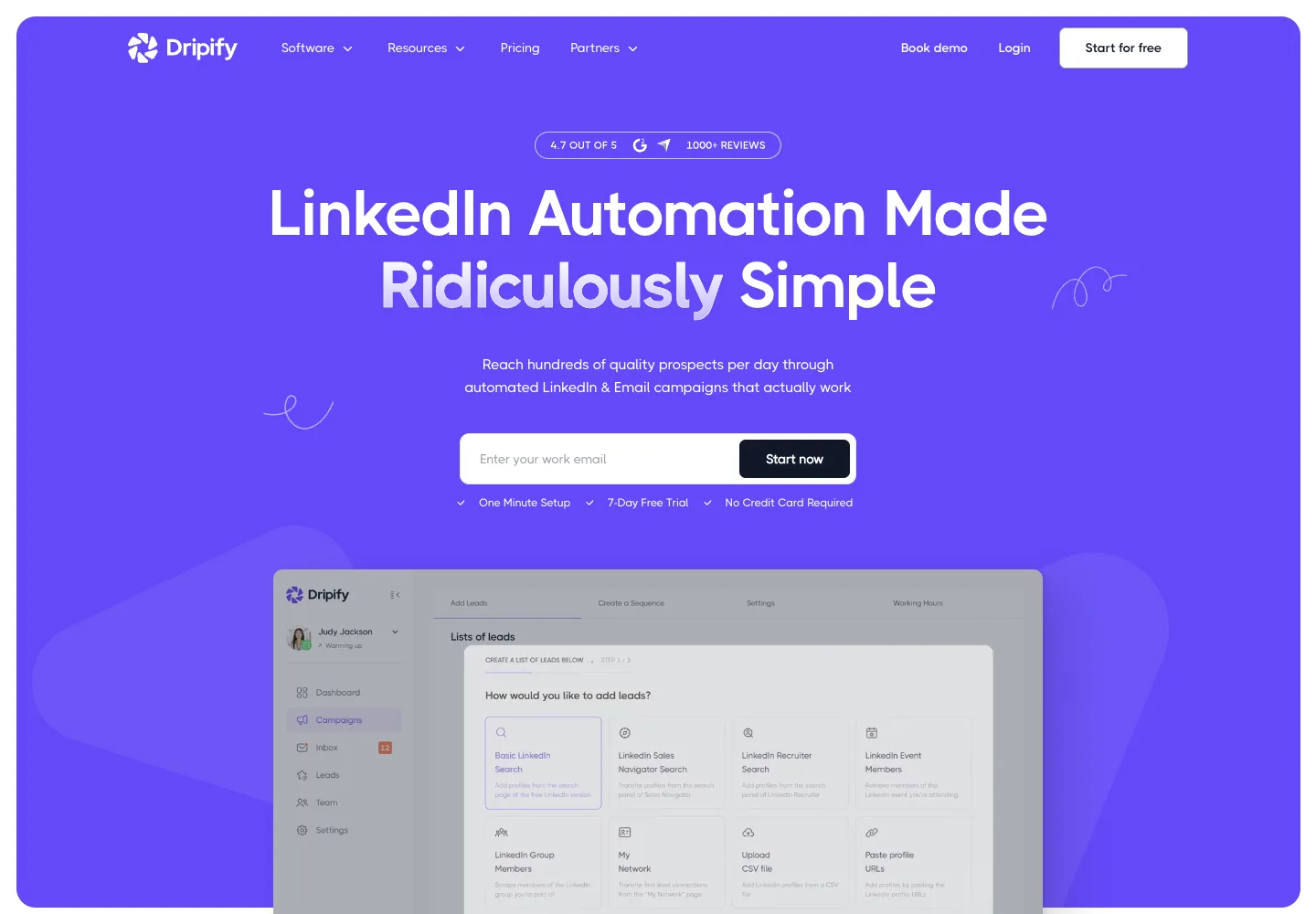
Dripify is a cloud-based campaign builder for LinkedIn actions with optional email steps.
Documented controls
Its pricing table publishes plan-level quotas. Basic lists 20 connection requests, 30 messages, 10 InMails and 100 profile views per day. Higher plans expose larger configurable quotas. Those are Dripify product settings, not LinkedIn-approved limits.
What works well
Basic includes LinkedIn and email sequences, templates, campaign reporting and one campaign. Pro adds unlimited campaigns, a dedicated inbox, CSV export and webhooks.
What doesn't
Dripify's documentation currently limits automated email to Gmail and Google Workspace. Basic's one-campaign cap is restrictive for teams, and pricing is per user.
Pricing
Basic is $59/user/month or $39/user/month billed annually. Pro is $79/user/month or $59/user/month billed annually; Advanced is $99/user/month or $79/user/month billed annually. The trial lasts 7 days. See Dripify pricing.
Verdict
A practical fit for individuals or small teams that want a focused LinkedIn workflow and use Google-hosted email.
03  Expandi
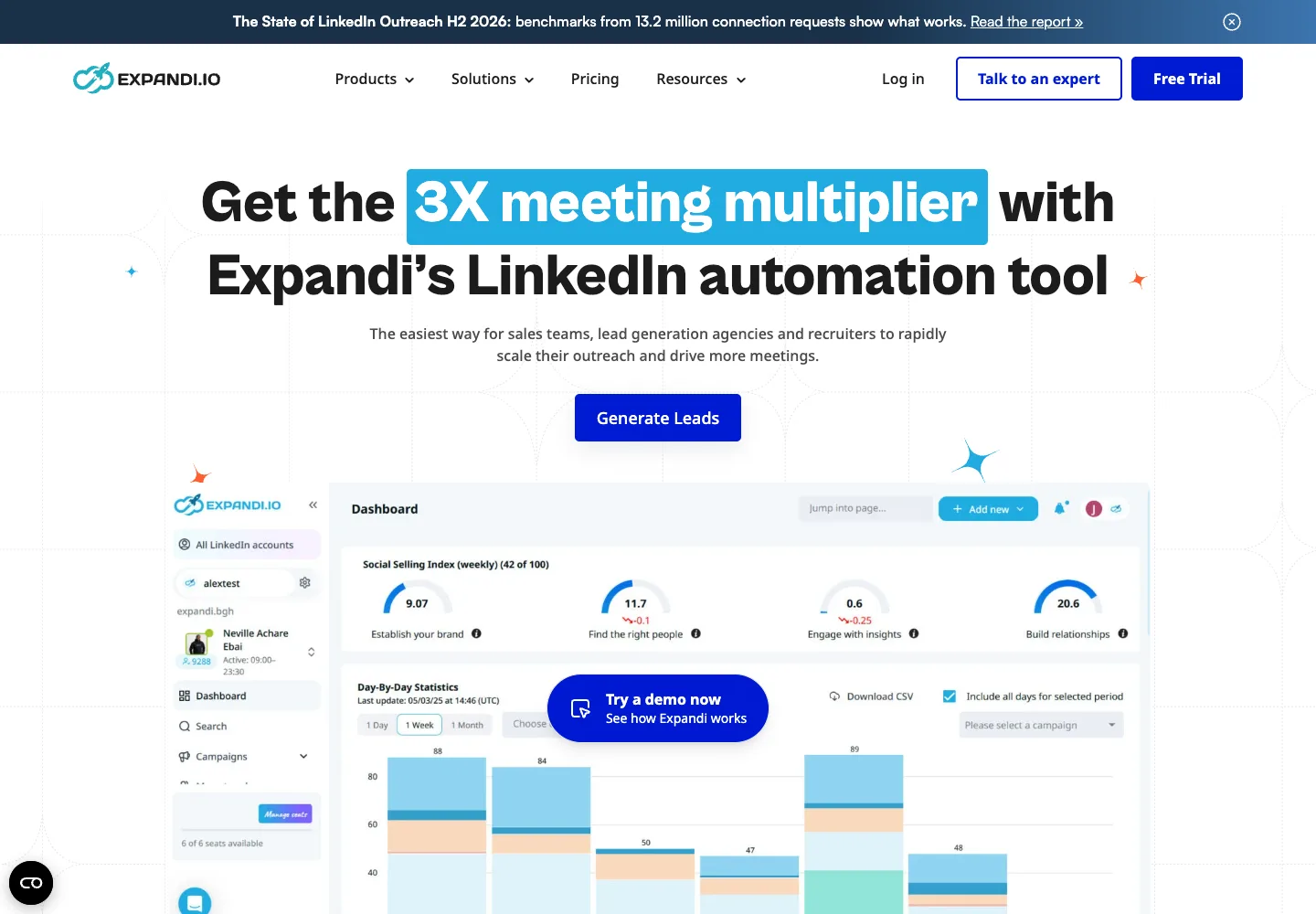
Expandi is a cloud-based LinkedIn campaign tool with a dedicated country-based IP, sequence branching and optional email follow-ups.
Documented controls
Expandi documents profile warm-up and configurable ranges for connections, messages, InMails and event invitations. Its Mobile Connector advertises up to 100 additional weekly connection requests. These are vendor features, not LinkedIn-approved allowances.
What works well
The plan includes unlimited campaigns, an if/action sequence builder, A/B testing, campaign prioritization, scheduling and integrations. It also supports image, GIF and video personalization through paid add-ons.
What doesn't
The personalization features highlighted on the pricing page may add third-party cost. Confirm email-provider support and the full add-on bill during the trial.
Pricing
Business is $99/month with a 7-day trial; annual billing advertises a 20% discount. Agency pricing is custom for 10 or more seats. See Expandi pricing.
Verdict
A dedicated LinkedIn option for teams that value branching, campaign controls and personalization integrations. Price the add-ons before comparing it with an all-in-one platform.
04 Zeekeo (current redirect from Zopto)
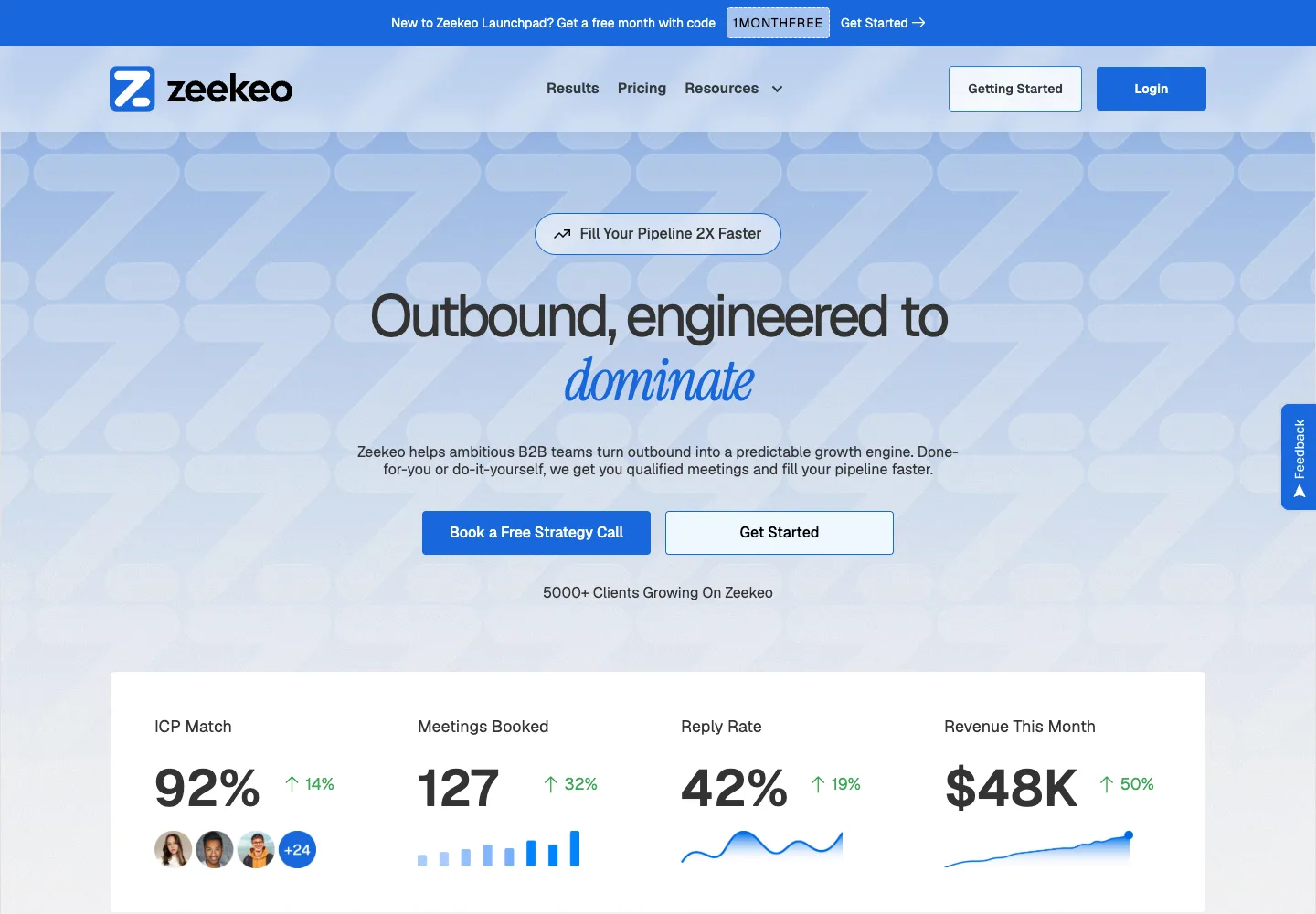
Status change: Zopto's website states that Zopto is no longer active, and its former pricing URL now redirects to Zeekeo. The old Zopto plans in earlier versions of this guide are obsolete.
Documented controls
Zeekeo's current product page documents scheduling, CRM connections, API/Zapier access, email and LinkedIn sequences, and enrichment. It does not make the historical Zopto plans current again.
What works well
The replacement product combines lead data, email and LinkedIn sequencing, integrations and content scheduling in one offer.
What doesn't
There is no public continuity statement showing that a Zopto subscription, feature set or customer account maps directly to Zeekeo. Treat this as a new vendor evaluation.
Pricing
Zeekeo DIY is $149/seat/month on monthly billing. Managed services are a separate offer. See current Zeekeo pricing.
Verdict
Do not buy based on an old Zopto review or price. Evaluate Zeekeo on its current contract, demo and documentation.
05  Dux-Soup
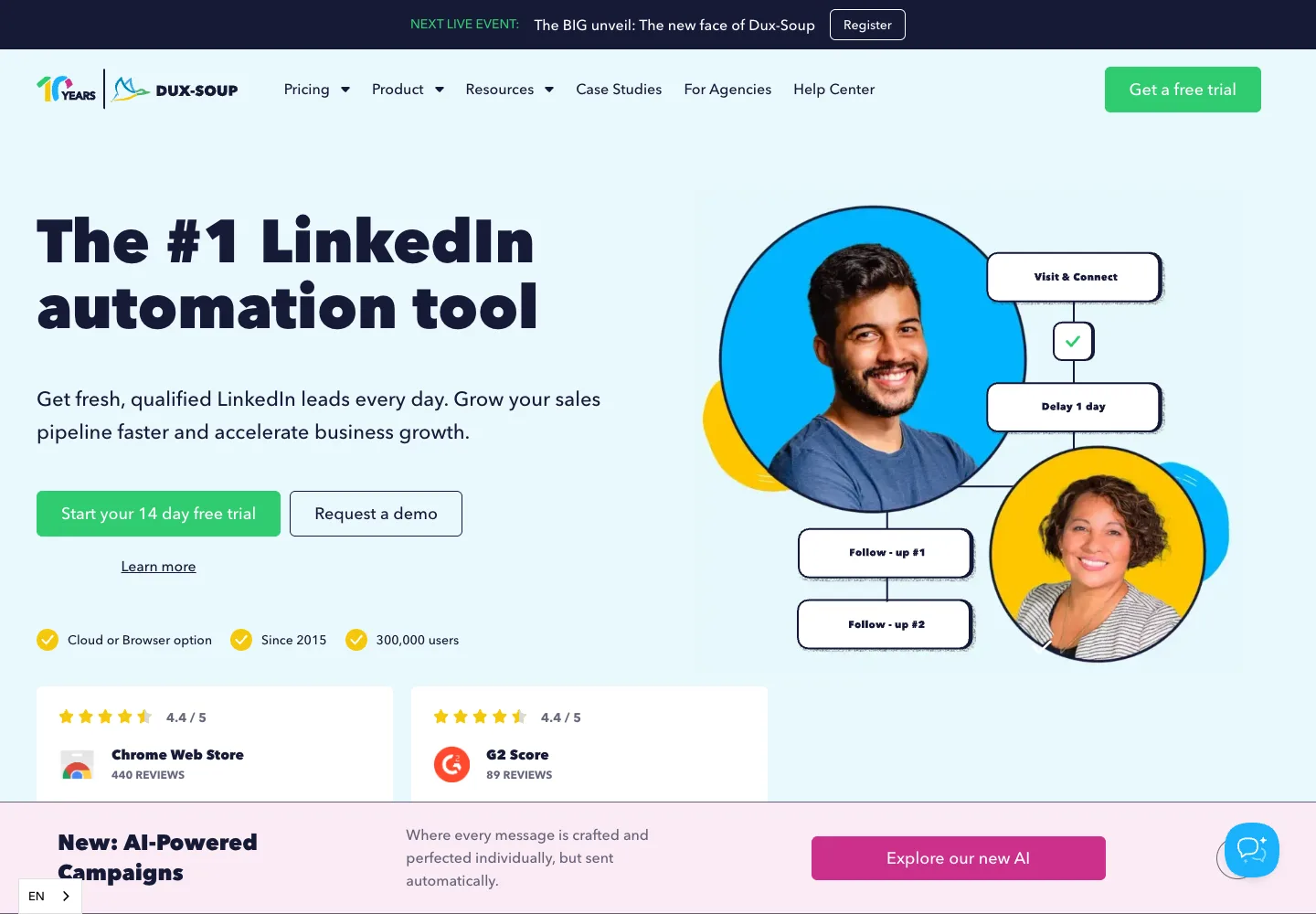
Dux-Soup offers a low-cost browser-based entry point, then adds campaigns, inbox and integrations on higher tiers.
Documented controls
Its pricing page lists configurable activity controls but does not publish a universal LinkedIn-approved quota. The Pro and Turbo products run through the browser; the separate Cloud tier is designed to run without keeping the browser open.
What works well
Pro covers connection invitations, messages to first-degree connections, post likes, profile visits, tagging and CSV exports. Turbo adds unlimited drip campaigns, campaign statistics, lead management, a central inbox and integrations.
What doesn't
Pro is not a full campaign product, and Turbo still depends on the browser. Dux-Soup's public individual plans focus on LinkedIn rather than native email outreach.
Pricing
Pro is $14.99/user/month or $11.25/user/month billed annually. Turbo is $55/user/month or $41.25/user/month billed annually; Cloud is $99/user/month or $74.17/user/month billed annually. See Dux-Soup pricing.
Verdict
A budget option for individuals who want LinkedIn actions and can accept browser-based execution. Compare Turbo or Cloud, not Pro, when you need campaigns and integrations.
06  PhantomBuster
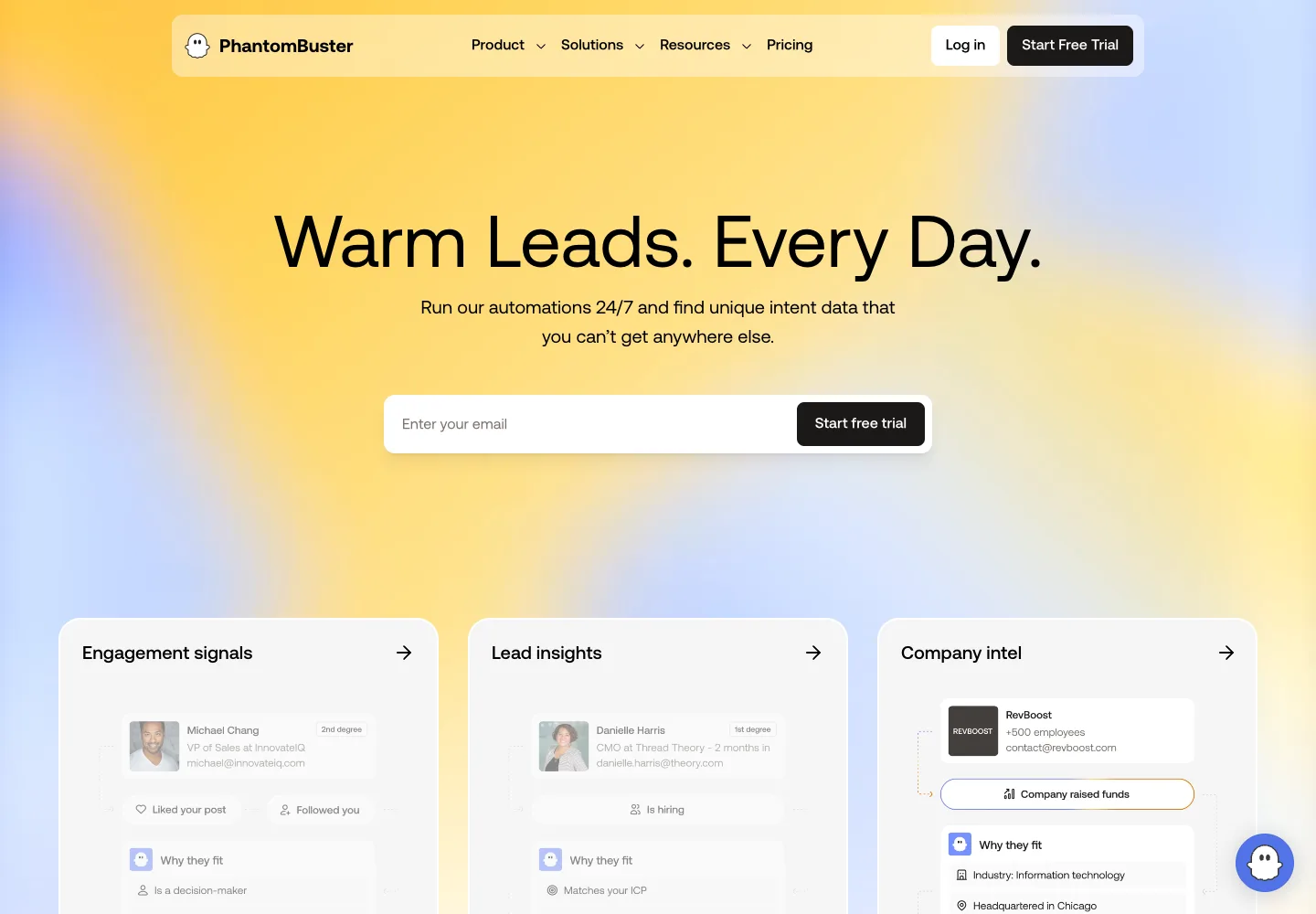
PhantomBuster is a broader automation and data-extraction platform, not a dedicated LinkedIn sequence product. Its catalogue covers more than 100 automations across more than 15 platforms.
Documented controls
Plans are constrained by simultaneous automation slots, monthly execution time and separate credit pools. When execution time is exhausted, workflows pause until reset or upgrade; that is a billing control, not a LinkedIn activity guarantee.
What works well
It can collect public data, enrich records, schedule workflows and route results through integrations. Paid workspaces include unlimited users, which makes its capacity-based model different from per-seat tools.
What doesn't
Complex workflows consume multiple slots and execution time. Email, AI and URL-finder credits are separate, so the limiting resource may not be the subscription price. Confirm that each workflow complies with the source platform's terms.
Pricing
Start is €69/workspace/month or €56/workspace/month billed annually for 5 slots and 20 hours. Grow is €159/workspace/month or €128/workspace/month billed annually for 15 slots and 80 hours; Scale is €439/workspace/month or €352/workspace/month billed annually for 50 slots and 300 hours. See PhantomBuster pricing.
Verdict
Best considered for multi-platform data workflows and enrichment. A dedicated sequence tool is simpler if outreach orchestration is the only requirement.
07  Linked Helper
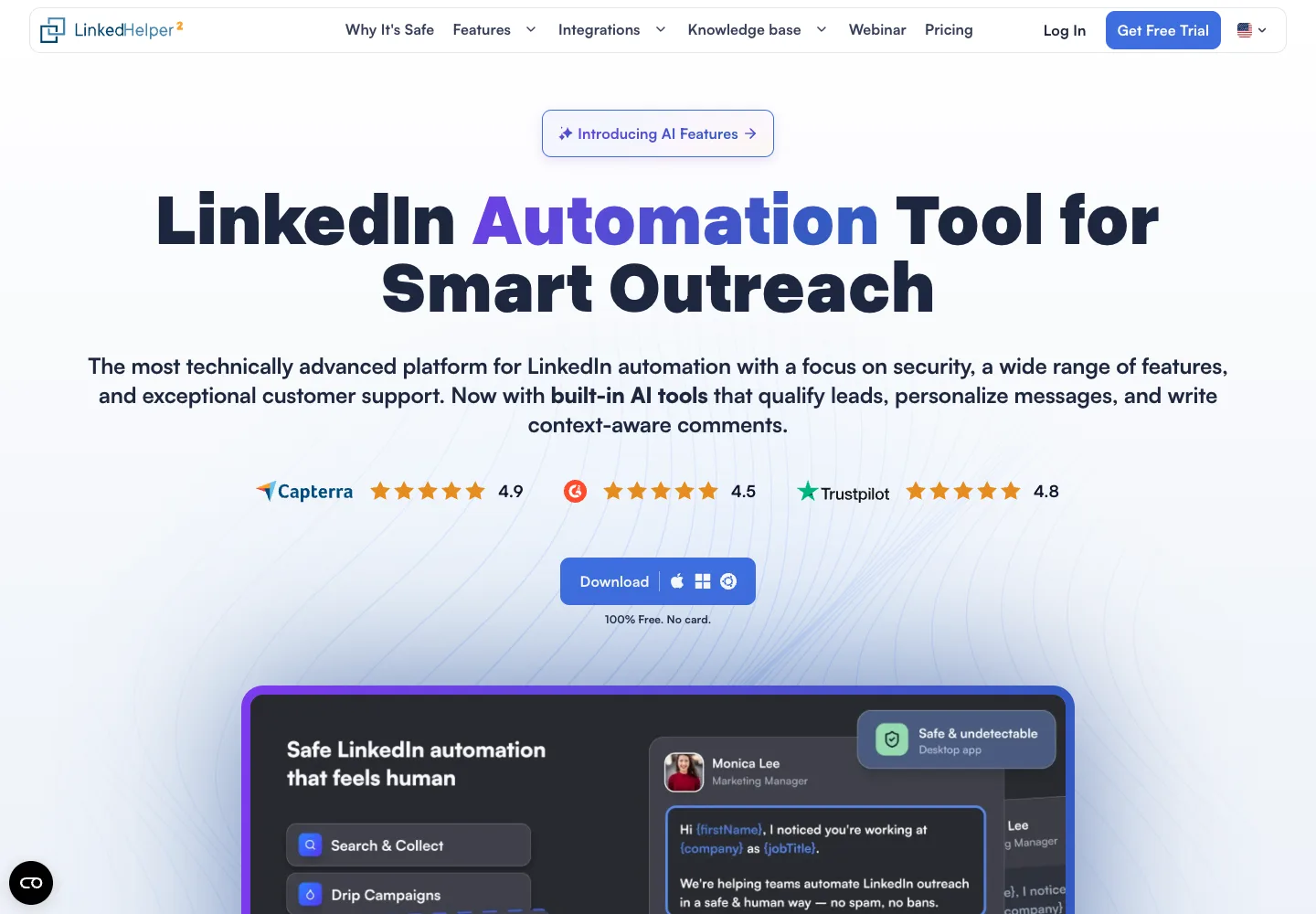
Linked Helper is a desktop application. Its current pricing page presents a cloud-based storage version with campaign actions and a built-in CRM. Cloud storage does not mean the application runs in a remote browser.
Documented controls
Standard limits some advanced actions and webhooks to 20 per day; Pro removes those product-plan caps. “Unlimited” on the vendor page describes the license, not permission from LinkedIn.
What works well
Standard includes campaigns, CSV export, CRM tags and notes, 620 data credits and 250 AI credits per month. Pro increases those pools and unlocks advanced exports, webhooks and image messages. Check renewal terms for the selected subscription.
What doesn't
A license cannot run two LinkedIn accounts or two machines simultaneously. The current offer includes cloud-based storage; verify where campaign execution runs and what happens when your computer is offline. The public feature table does not list native email sending.
Pricing
The current cloud-storage offer lists Standard at $29.90 for one month and Pro at $59.90 for one month. Longer terms have separate pricing. A 14-day trial is available. See Linked Helper pricing.
Verdict
Consider it when a desktop application and LinkedIn-focused campaigns fit your workflow. Verify storage, execution and license terms separately; native multichannel outreach requires other tools.
08  La Growth Machine
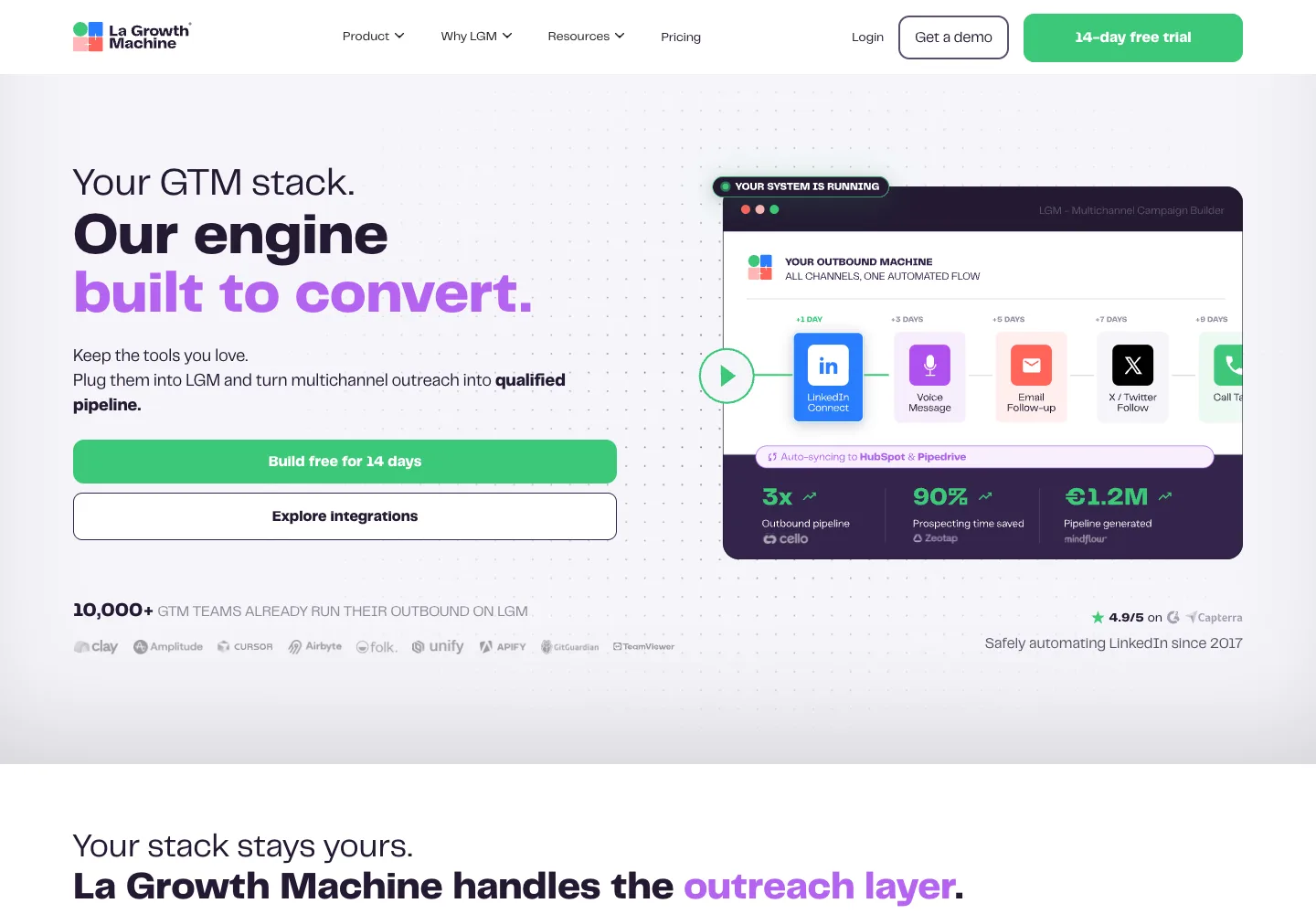
La Growth Machine (LGM) is a French multichannel outreach platform priced per identity.
Documented controls
LGM documents LinkedIn and email on Basic, calls on Pro, and X on Ultimate. It does not publish a universal daily LinkedIn quota on the pricing page, so buyers should verify account controls in the trial.
What works well
The sequence builder combines channels and conditions. Lead enrichment is included at 250 leads per month on Basic, 400 on Pro and 1,000 on Ultimate. Higher plans add more sending identities, campaigns and CRM features.
What doesn't
Every identity is billed separately. Basic is limited to one sending email and three active campaigns; direct CRM features and broader channel coverage require higher plans.
Pricing
Basic is €60/identity/month or €50/identity/month billed annually. Pro and Ultimate are higher tiers; use the vendor page for the current quote and included channels. See LGM pricing.
Verdict
A strong fit when visual multichannel branching is the priority. Model total cost by identity and required plan rather than by the Basic headline alone.
09  HeyReach
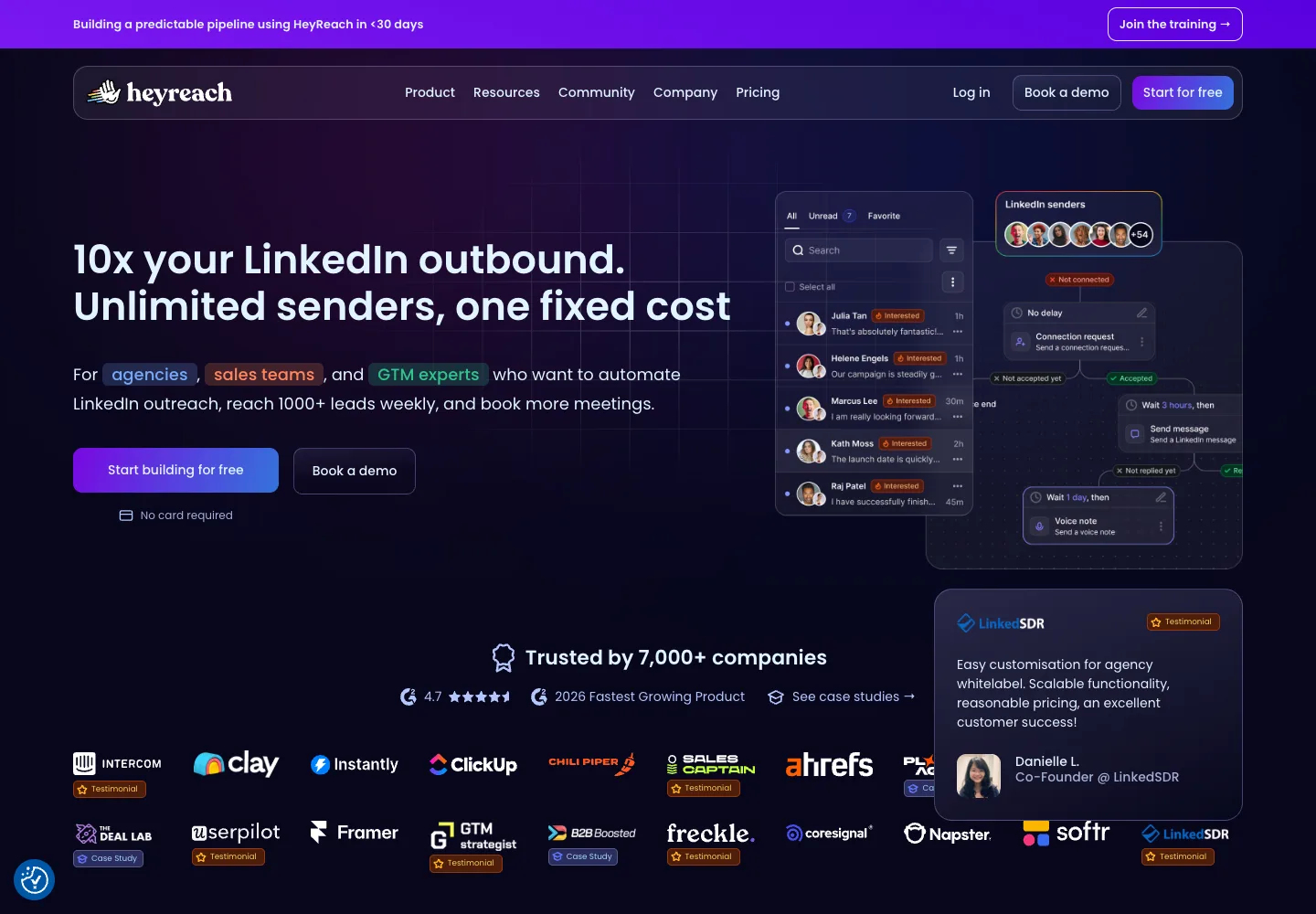
HeyReach is designed around LinkedIn sender management, workspaces and a unified inbox for agencies or teams operating multiple accounts.
Documented controls
HeyReach documents a configurable maximum of 40 invitations per day, a default recommendation of 25 and an internal weekly cap of 200. These are HeyReach product limits, not LinkedIn approval.
What works well
Growth includes unlimited campaigns, LinkedIn actions, inbox, workspaces, permissions, API, webhooks and integrations. Email can be added through native integrations with Instantly and Smartlead.
What doesn't
The pricing page does not list a native email sender. The per-sender model is simple for a few accounts, but the agency bundle is a material fixed commitment.
Pricing
Growth is $79/sender/month or $71/sender/month billed quarterly. Agency is $999/month for 25 senders; Unlimited is $2,999/month. See HeyReach pricing.
Verdict
Best fit for agencies that need centralized LinkedIn sender operations. Add the cost of a separate email platform when evaluating multichannel workflows.
10  Waalaxy
Waalaxy offers LinkedIn campaigns at the lower end of the price range, with email added on the Business plan.
Documented controls
The current pricing page frames usage as monthly invitation allowances: 300 on Pro and 800 on Advanced or Business. These plan allowances are not LinkedIn-approved limits.
What works well
Pro includes unlimited campaigns, follow-ups, CRM synchronization and CSV imports/exports. Advanced adds API and automation integrations; Business adds cold email, multichannel campaigns and 500 Email Finder credits.
What doesn't
The headline prices shown publicly are effective monthly rates under annual billing. Pro and Advanced do not include cold-email sequences.
Pricing
With annual billing, Pro is €19/user/month, Advanced €49 and Business €69. A 14-day trial is listed. See Waalaxy pricing.
Verdict
A low-cost option for LinkedIn campaigns. Compare Business, not Pro, when email is required.
11  SalesRobot
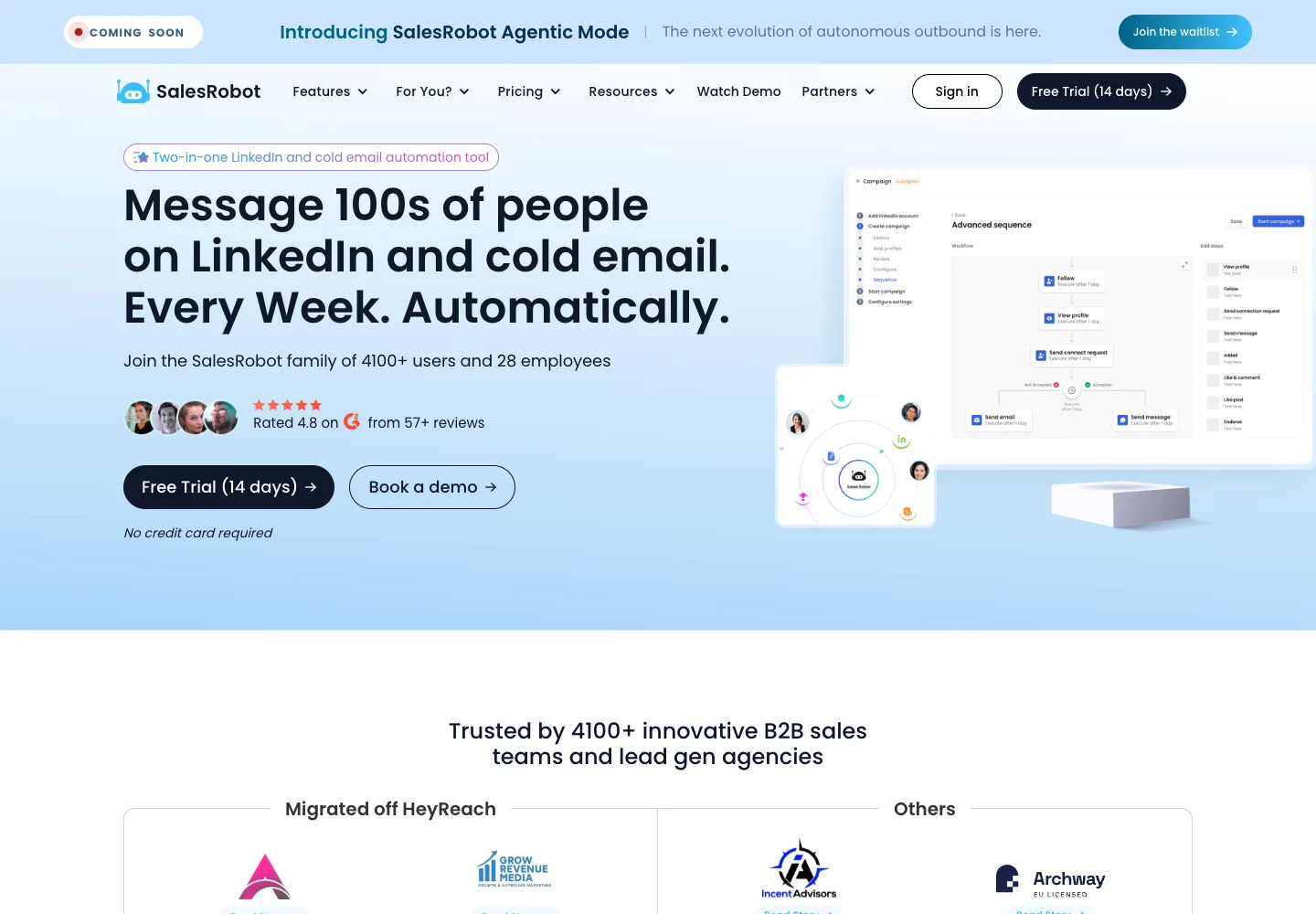
SalesRobot combines LinkedIn campaigns, email steps and AI-assisted workflow features in plans priced per LinkedIn account.
Documented controls
Its comparison table publishes 20 daily actions for many Basic actions and up to 75 invitations, messages or profile views on Advanced and Professional. It also lists activity control and dedicated local IP rotation. These are vendor controls, not evidence of a zero-restriction rate.
What works well
Advanced adds unlimited campaigns, A/B testing, inbox, webhooks, Zapier and CSV export. Professional adds team management and activity controls. The page lists LinkedIn + email sequences and AI appointment-setting features.
What doesn't
Basic is limited to one active campaign. The same pricing page presents a separate email-automation offer, so confirm exactly what email capacity is included with a LinkedIn account plan.
Pricing
Basic is $59/account/month or $39/account/month billed annually; Advanced is $79/account/month or $59/account/month billed annually; Professional is $99/account/month or $79/account/month billed annually. A 14-day trial is listed. See SalesRobot pricing.
Verdict
A feature-rich option for teams that want LinkedIn workflows and an inbox. Confirm the email bundle and total account count before purchase.
12  Lemlist
Lemlist combines a mature email platform with LinkedIn automation, calling, SMS, data enrichment and a multichannel inbox.
Documented controls
Lemlist documents LinkedIn ramp-up, smart daily limits and human-like delays. These are vendor controls; they do not change LinkedIn's policy on third-party automation.
What works well
The Multichannel plan includes email, LinkedIn actions, SMS, built-in calling, task management, five senders per user and the Email-plan features. WhatsApp is available as an add-on.
What doesn't
The lower Email plan does not include LinkedIn. Data enrichment, some AI actions and calling can consume rechargeable credits, so usage can add cost beyond the seat price.
Pricing
Email starts at $69/month or $55/month billed annually for unlimited users at the entry volume. LinkedIn requires Multichannel at $109/user/month or $87/user/month billed annually. See lemlist pricing.
Verdict
A strong fit when email infrastructure and a broad native channel mix matter more than the lowest per-user price.
13  Skylead
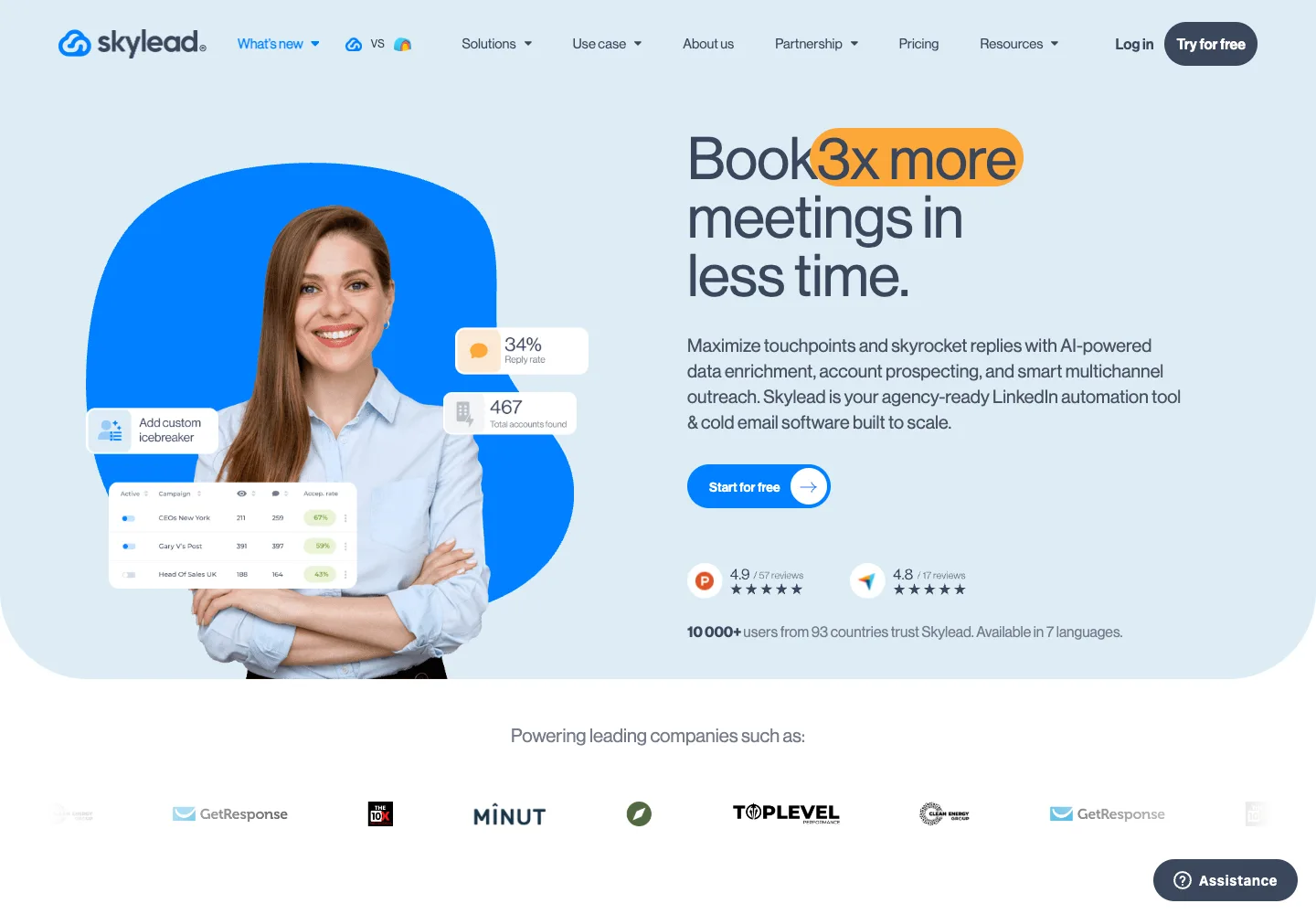
Skylead packages LinkedIn and email automation, enrichment, an inbox and conditional sequences in one public plan.
Documented controls
The pricing page lists cloud-based LinkedIn automation, LinkedIn warm-up and sequence controls, but it does not publish a numeric daily quota or a dedicated-IP guarantee. Verify those details during the trial.
What works well
All-in-One includes one seat, unlimited email accounts, up to 100,000 emails per month, LinkedIn automation, email finder/verifier, warm-up, smart sequences, image/GIF personalization, API and webhooks.
What doesn't
There is no lower-priced LinkedIn-only tier. AI enrichment and the AI SDR are add-ons, and white-label pricing requires a sales conversation.
Pricing
All-in-One is $100/month for one seat with a 7-day trial. See Skylead pricing.
Verdict
A good fit when conditional LinkedIn + email sequences and included email capacity justify a $100 single-seat plan.
Which account-risk controls should you compare?
We cannot responsibly rank tools as low-, medium- or high-ban-risk without a controlled, reproducible dataset. More importantly, LinkedIn does not approve third-party automation simply because a vendor offers pacing controls. Compare the controls below as operational safeguards, not as a guarantee.
| Control | Why it matters | What to verify in a trial |
|---|---|---|
| Per-sender quotas | Prevents a campaign from consuming every available action at once. | Hard cap vs editable default; admin audit trail. |
| Schedules and pauses | Lets teams stop activity outside working windows or after a warning. | Timezone handling, emergency pause and campaign recovery. |
| Reply detection | Avoids continuing an automated sequence after a human responds. | Stop conditions across LinkedIn, email and inbox integrations. |
| Account isolation | Reduces accidental cross-client data and sender mixing. | Workspace separation, permissions, login and network configuration. |
| Data controls | Prospect data can create contractual and privacy obligations. | DPA, retention, deletion, export, subprocessors and hosting region. |
What should you check before connecting a LinkedIn account?
There is no published LinkedIn warm-up schedule that makes third-party automation compliant. Before a trial, document the decision and make the smallest reversible test possible:
- Read LinkedIn's automated-activity policy and your organization's acceptable-use rules.
- Use a clearly owned account; never connect an employee or client account without explicit authorization.
- Review every requested permission, data field, subprocessor and retention period.
- Set conservative product quotas, reply-stop conditions and an emergency pause.
- Keep a manual fallback and a clean export path before committing to an annual plan.
Vendor “warm-up” and “smart limit” features are product controls. They are not an exemption from LinkedIn's rules, and no acceptance-rate threshold guarantees account safety.
Run a comparable trial before buying
Download the prospecting trial scorecard (CSV). It contains blank fields, not vendor scores. Start with the same 20 representative accounts in your target region for each shortlisted product; this is a practical pilot size, not a statistical benchmark.
- Record the selected plan, billing term, seats, credits and all connected-tool costs in one currency.
- Check whether returned contacts match the role and company you requested. Count usable contacts separately from raw records.
- Using accounts you control, verify reply stopping, duplicate handling and the exact fields passed to your CRM.
- Record operator time, qualified replies and qualified meetings over the same observation period. Keep definitions consistent.
- Document export and deletion options, then select the tool that completes your workflow at an acceptable total cost.
How do you pick the right AI LinkedIn outreach tool?
- Email + LinkedIn in one product: compare Overloop, Expandi, La Growth Machine, Lemlist, Dripify, SalesRobot and Skylead. Check whether email is native, optional, restricted to a provider, or sold separately.
- Agency sender management: HeyReach is structured around LinkedIn senders, workspaces and a unified inbox; add a separate email platform if needed.
- Lowest public entry price: Dux-Soup starts at $14.99 monthly; Linked Helper’s current Standard offer is $29.90 for one month. Waalaxy advertises €19/month under annual billing.
- Conditional sequences: compare Expandi and Skylead's builders, then price any personalization or AI add-ons.
- Broader data workflows: PhantomBuster is capacity-priced across multiple platforms, not just LinkedIn outreach.
Run the same procurement check for every shortlist: exact billing cadence, number of senders, channels, credit pools, data processing, integrations, pause controls and export path. Treat vendor activity caps as product settings, never as LinkedIn-approved limits.
What is the best AI LinkedIn outreach tool overall?
There is no universal winner. Overloop is our pick when a team wants prospect sourcing, email and LinkedIn in one workflow; we disclose that it is our product. HeyReach is the clearer fit for agency-scale sender management. Expandi and Dripify are focused LinkedIn campaign tools. Lemlist and La Growth Machine offer broader channel mixes, while Dux-Soup and Linked Helper compete on entry price.
The decisive test is not a vendor's “safe automation” claim. It is whether the workflow fits your channels and governance requirements at the fully loaded price, while your team accepts that LinkedIn's policy can still put the connected account at risk.
Evaluate Overloop on your real workflow
Use the trial to verify email + LinkedIn setup, quotas, integrations and handoff before committing.
Start the trial →See a demoFrequently asked questions
Does LinkedIn allow third-party automation tools?
LinkedIn says it does not allow third-party software or browser extensions that scrape or automate activity on its website. A vendor's pacing or warm-up controls do not make the tool LinkedIn-approved. Read the official policy.
What is the safest AI LinkedIn outreach tool?
No vendor can guarantee a restriction-free account. Compare quotas, schedules, reply detection, account isolation and data handling, then apply LinkedIn's policy independently.
How many LinkedIn connection requests can I safely send per day?
LinkedIn does not publish one universal safe daily quota by account type, SSI score or tool. Numbers on vendor pages are product limits, not LinkedIn-approved thresholds.
Which tools combine LinkedIn and email?
Overloop, Expandi, La Growth Machine, Lemlist, Dripify, SalesRobot and Skylead document LinkedIn and email workflows. Email-provider support, credits and add-ons vary, so compare the exact plan.
Which LinkedIn outreach tool is built for agencies?
HeyReach is structured around multiple LinkedIn senders, workspaces and a unified inbox. Its current Agency plan is listed at $999 per month for 25 senders.
What happened to Zopto?
Zopto's website says the service is no longer active. Its former pricing page redirects to Zeekeo, whose current plan is a separate offer.
Is LinkedIn automation legal?
Using automation is not a criminal matter, but it does breach LinkedIn's User Agreement. LinkedIn states that software which scrapes or automates activity on its website is not allowed and that suspected use may lead to account suspension. The exposure you are accepting is the loss of the account, not a legal penalty.
What happens if LinkedIn restricts my account for automation?
LinkedIn's help centre describes an escalating wait rather than a single penalty. A first restriction asks you to wait a few hours. Several restrictions in one day means waiting a few days. Too many outstanding invitations can mean up to one month before you can send another. LinkedIn says most restrictions are removed automatically within one week, and that you cannot buy more invitations while restricted.
How many connections can a LinkedIn account have?
LinkedIn documents a ceiling of 30,000 first-degree connections and states it cannot be increased for any member. Once you reach it, Follow becomes the default option on your profile and you cannot send or accept new invitations until you remove existing connections.
Do I need LinkedIn Sales Navigator to use these tools?
No tool in this comparison requires it, but a free account is subject to the Commercial Use Limit on profile search and browsing, which resets at midnight PST on the 1st of each month. If your workflow depends on high search volume, that limit rather than the tool is usually what stops you.
Does my LinkedIn SSI score change my sending limits?
SSI is a real LinkedIn score from 0 to 100 covering brand, targeting, engagement and relationships, and you can check yours in Sales Navigator. LinkedIn does not document it as an input to invitation limits. Tables that tie a weekly quota to an SSI band circulate widely but are not published or confirmed by LinkedIn, so this guide does not treat them as limits.
Which of these LinkedIn outreach tools has the lowest entry price?
Dux-Soup has a low published entry price at $14.99 per user per month, or $11.25 billed annually. Its Pro tier is not a full campaign product. Linked Helper’s current Standard offer is $29.90 for one month, while Waalaxy lists EUR 19 per month billed annually. These plans differ in capabilities and currency. Compare the billing unit before the headline price, because some vendors charge per LinkedIn sender rather than per user.
Can LinkedIn detect automation tools?
LinkedIn does not publish its detection method, so any specific claim about what it can or cannot see is speculation. What it does state is that suspected use of automation may result in suspension, and that sending many invitations quickly or accumulating ignored and pending invitations are triggers for a restriction. Plan around the documented triggers rather than around a vendor's undetectability claim.