


Pick the job first
What should your data connection do?
Choose a task. Get the inputs, the providers to inspect and a brief you can use to evaluate them.
Start with a searchable customer profile.
01 Bring this input
Your country, company-size range, industry and required role. Keep company filters separate from person filters.
02 Inspect these documented options
 Coresignal
Inspect the searchable entity and available fields before fetching full records.
Inspect Coresignal documentation ↗03 Ask for this output
A deduplicated shortlist with company identifiers, matching criteria and any missing evidence.
Before you accept it: Does the connected tool support each required filter? Does the result identify a company, a person or a job? A search hit does not guarantee an email address.
Inspect the evaluation brief
Bring identifiers, then define the missing fields.
01 Bring this input
An existing company or person identifier, plus a short list of fields you need to fill.
02 Inspect these documented options
 Apollo
Check identifiers and the separate enrichment action before requesting contacts.
Inspect Apollo documentation ↗ Clay
ClayInspect the enabled connector or Function, its inputs and its output columns.
Inspect Clay documentation ↗03 Ask for this output
Matched records that distinguish returned values, unknown fields and ambiguous matches.
Before you accept it: Can you trace a result to the right record? Check available providers, permitted fields and credits before executing an enrichment.
Inspect the evaluation brief
Find a reason to investigate an account.
01 Bring this input
A company domain, the event you care about and a clear observation window.
02 Inspect these documented options
 PredictLeads
Review company, job-opening and technology-detection tools for account context.
Inspect PredictLeads documentation ↗CoresignalCheck which company, employee or jobs fields answer the question.
Inspect Coresignal documentation ↗03 Ask for this output
An account event with a source, relevant dates and a next research action.
Before you accept it: Does the date describe the event or the provider’s observation? Account activity alone does not prove a person is ready to buy.
Inspect the evaluation brief
Based on public documentation, September 21, 2026. Data tools were not executed in this review.
Documentation checked: September 21, 2026. This comparison covers Apollo, Clay, Coresignal and PredictLeads. It is an editorial sample of different approaches, not an exhaustive market ranking. We reviewed public primary sources without authenticating to these services or executing their data tools. Capabilities below are documented, not independently tested.
Publisher disclosure: Overloop publishes this guide and provides sales prospecting and outreach software. Max is part of Overloop and is operated by Sortlist SA, as stated in its privacy policy. We do not include Overloop in this MCP comparison because this review does not establish a released native Overloop MCP connection.
Choose the job before the server
Start with the missing step in your workflow. Searching for new people, completing a known contact and explaining why an account matters are separate decisions.
Scroll horizontally to see all columns.
| Your immediate job | Start your evaluation with | What to verify before relying on it |
|---|---|---|
| Find people, then unlock contact details | Apollo's separate search and enrichment actions | Which fields arrive at each stage and whether the current account can use them |
| Give reps access to a configured enrichment workflow | Clay's connector and enabled Functions | The exact Function inputs, outputs, permissions and credit limit |
| Inspect available company, employee or jobs fields before fetching records | Coresignal's search, field-discovery and fetch tools | The fields, identifiers and output format exposed in the connected client |
| Add hiring, technology or business-event evidence to an account | PredictLeads' company intelligence tools | Source URLs, dates, company identity and whether the evidence supports your interpretation |
These recommendations follow each provider's documented interface, not a measured coverage or accuracy contest. The sections below link the supporting sources.
Download the source-backed capability audit. The CSV records each reviewed operation, input, output, evidence source and unanswered question. Use it to narrow your shortlist before spending credits.
What the four services document
The table separates callable operations from the evidence still needed to evaluate a real account. A documented feature does not establish that your subscription, region or client can use it.
Scroll horizontally to see all columns.
| Provider | Documented operation | Starting input | Documented result or boundary | Primary evidence |
|---|---|---|---|---|
 Apollo Apollo |
People search, followed by people enrichment | Prospect criteria; then a person identifier or identifying details | Search does not supply email addresses or phone numbers. Enrichment is a separate operation. | Search reference, enrichment reference |
 Clay Clay |
Company/people search and enabled enrichment Functions | Search criteria, company domain or a Function's configured inputs | Results depend on the connector and enabled workflow; do not assume the whole Clay workspace is exposed. | Clay in Claude, MCP administration |
 Coresignal Coresignal |
entity_search, entity_fields, entity_fetch, email_enrich |
Natural-language request, field question or previously selected records | Search, field discovery, profile retrieval and email enrichment have separate tools. | Official MCP tool table |
 PredictLeads PredictLeads |
Company, job-opening and technology-detection tools | A company identifier/domain or the relevant discovery criteria | Company and event context. This review does not establish a named-person contact-search operation. | Official MCP integration, GTM agent guide |
Apollo: distinguish the shortlist from the contact details
Apollo is a sensible starting point when the job is person discovery followed by contact enrichment. Its MCP guide describes both actions and explicitly distinguishes them. A search result is not a promise that an email address is available. Apollo MCP documentation.
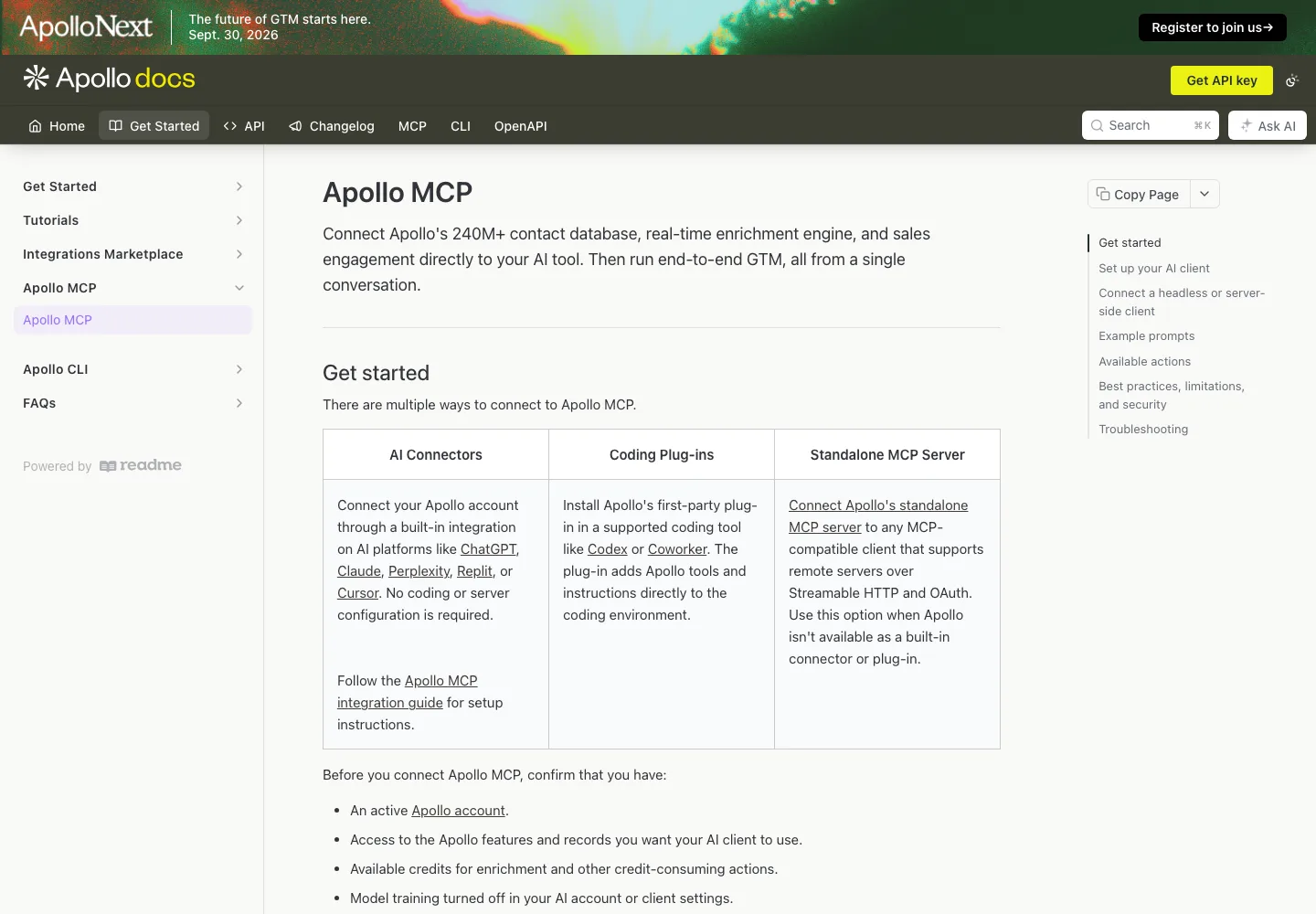
For the matching step, Apollo's API reference documents identifiers including a person ID, LinkedIn URL, email, or name and employer information. Those are API fields, not a verified copy of the live MCP input schema. Inspect the connected tool before turning them into an automated request. People enrichment reference.
The practical question is whether the search stage supplies enough information to reject poor matches before requesting more data. Preserve the person and company identifiers through that handoff. A same-name match without a convincing employer match should remain unresolved.
Clay: evaluate the workflow your administrator exposes
Clay fits a team that wants reps to use a workflow configured by operations. Its MCP administration guide describes Functions with explicitly configured inputs and output columns. Enabling access alone does not create a useful result: the Function must produce an output. Clay MCP administration.
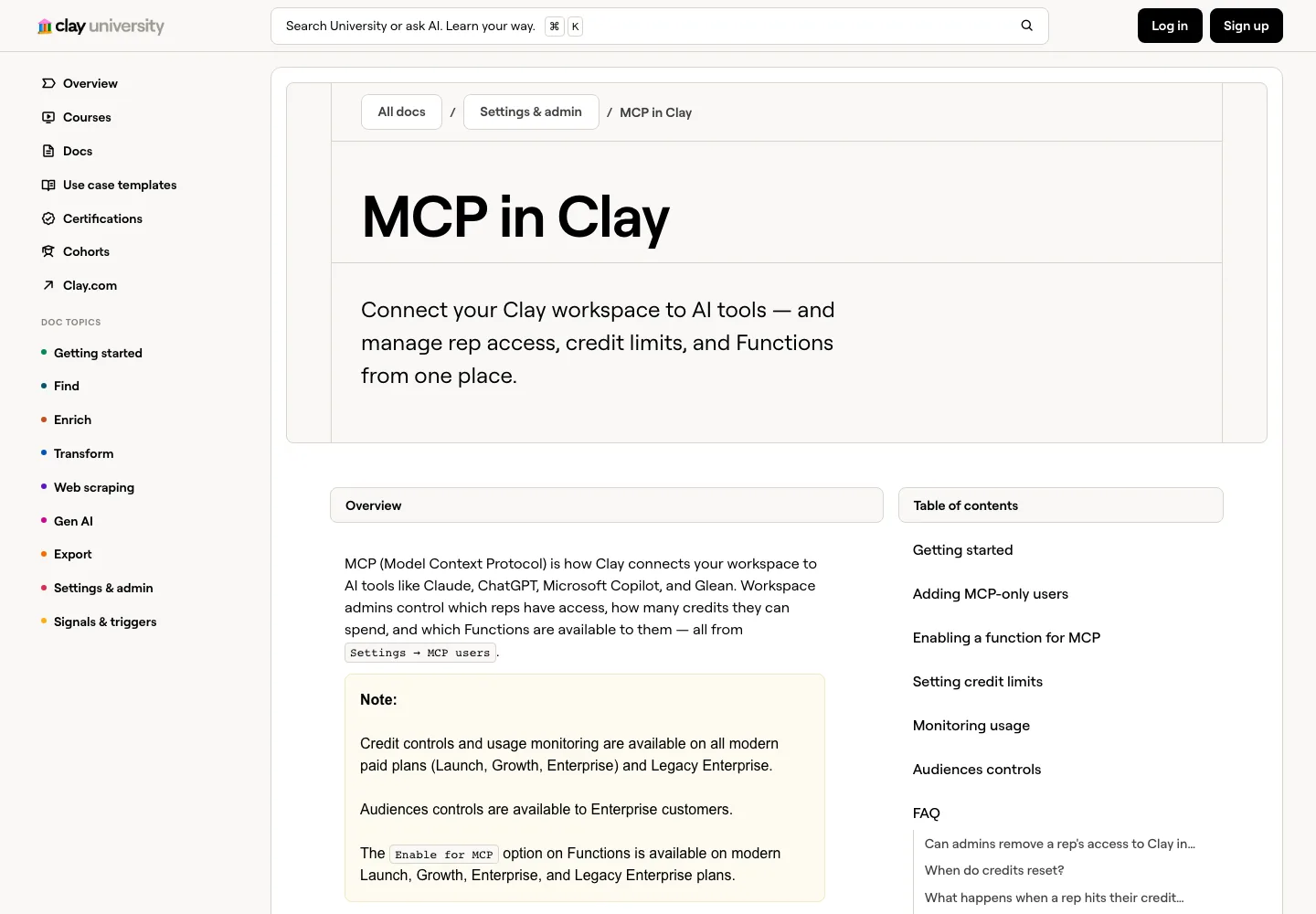
Clay's Claude guide documents company and people searches and enrichment. It also says the connector uses a subset of Clay's data providers. A capability in a Clay table is therefore not sufficient proof that the same operation is available in your conversation. Clay in Claude.
Before comparing results, agree on the Function's contract: required identifiers, provider-returned values, source references and treatment of missing fields. Keep administrator configuration separate from the rep's prompt. This is a workflow evaluation, not a reason to recreate every Clay setup step in a second guide.
Coresignal: inspect fields before requesting full records
Coresignal's current MCP page names four tools: entity_search, entity_fields, entity_fetch and email_enrich. The distinction is useful when you need to understand the available schema before collecting company, employee or jobs records. Coresignal MCP.
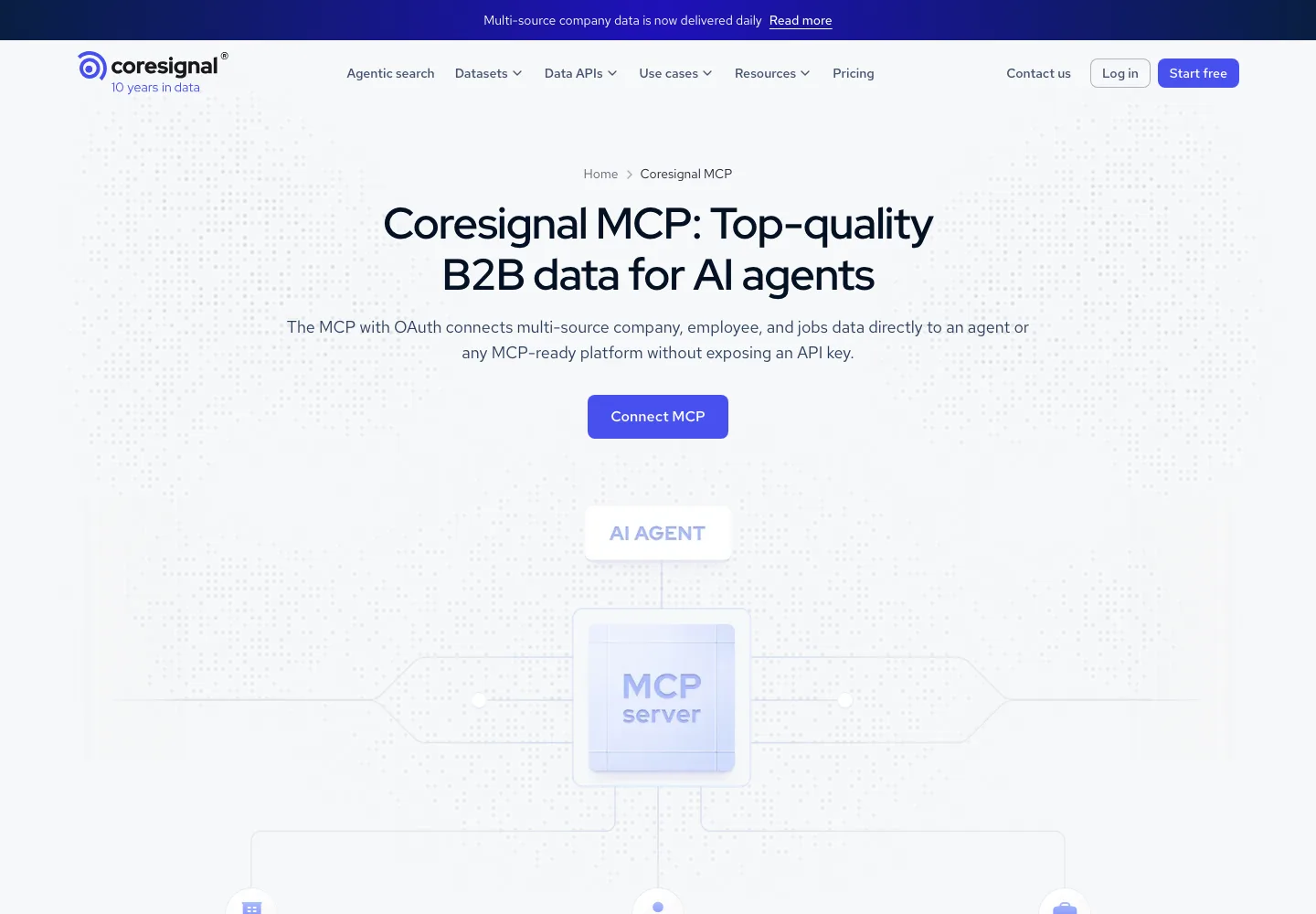
Its August 2026 update documents the newer OAuth connection at https://mcp.coresignal.com/mcp/v2. Older setup articles describe a different connection, so check the current guide instead of copying the first configuration snippet you find. The update also distinguishes dedicated email enrichment from merely receiving an email field inside another response. Coresignal OAuth update.
Our next check would be the actual returned fields and their completeness for the chosen region and roles. We have not retrieved profiles or verified an email through this connection. The existence of email_enrich does not supply a measured success rate or guarantee a result for every person.
PredictLeads: add evidence about the account
PredictLeads belongs in the account-context stage of this comparison. Its official guide names tools such as company, company_job_openings and company_technology_detections. Those answer questions about the business and its activity; they should not be treated as equivalent to finding a named decision-maker's email. PredictLeads GTM agent guide.
Its public technology example includes observation fields such as first_seen_at, last_seen_at and source_count. Inspect the actual event schema rather than treating every date as the date a company made a purchase. These fields describe observations, which may require further interpretation. PredictLeads technology data.
Use an event to support a research decision. A relevant job opening can justify investigating a need; it does not prove budget, purchase intent or permission to contact someone. For the handoff from evidence to messaging, see the signal-led outbound workflow.
A worked decision: an Apollo team researching sales hiring
Here is a fixed brief applied to the documented capabilities. This is an illustrative procurement decision, not a provider test or a generated prospect list.
The brief: a team already working in Apollo wants to research US-headquartered B2B software companies with 50 to 200 employees, identify a senior revenue-operations contact, and retain a source-backed sales-hiring event observed within the last 30 days. The output is a reviewable shortlist. Sending and enrollment are outside this exercise.
Scroll horizontally to see all columns.
| Requirement | Initial decision | Evidence needed before accepting a record |
|---|---|---|
| Company fit | Start with the existing Apollo account rather than adding another data vendor immediately | Company identity, headquarters, headcount range and a source for the B2B software classification |
| Named person | Search first; enrich only the selected match | Current role and employer match, stable identifier, returned contact details and their status if available |
| Recent hiring | Inspect Apollo's documented company-job-postings action before adding a second provider | A relevant posting, company match, source URL and a date whose meaning supports the 30-day rule |
| Missing event evidence | Evaluate PredictLeads for that specific gap | A returned event with the evidence above, plus clear treatment of missing or historical results |
| Repeatable team workflow | Evaluate Clay only if the team needs a centrally configured enrichment sequence | An enabled Function that produces the required review record |
| Field exploration | Evaluate Coresignal if the job requires broader professional, company or jobs field inspection | Available fields and a small retrieved sample satisfying the same acceptance rules |
Apollo's organization reference documents headquarters-location and headcount filtering. Its MCP guide also lists company job postings. That supports an initial investigation within Apollo; it does not prove this complete brief succeeds in the team's account. Organization search, Apollo MCP actions.
Decision: begin with the tool the team already uses, then add a provider only for a demonstrated missing operation or evidence field. Do not buy four connections because all four appear in this comparison. If the current account cannot return a dated hiring source, keep the event requirement unresolved until the second source supplies it.
The same brief should produce different outcomes when the evidence changes:
- Correct company and person, missing event date: retain for research, exclude from the recent-hiring shortlist.
- Recent event, wrong geography or company size: exclude from this campaign, even if the event looks interesting.
- All required facts present, contact address absent: keep the account qualified; record the contact field as missing rather than inventing an address.
These are acceptance rules, not observed vendor results. They make the next small test falsifiable without manufacturing a benchmark.
Preserve the evidence, not just the answer
A useful review record separates provider output from your interpretation. The following is a proposed output contract, not a schema returned by any of the four services:
{
  "company_domain": null,
  "company_identifier": null,
  "person_identifier": null,
  "role_and_employer_match": "unreviewed",
  "source_url": null,
  "source_date": null,
  "date_meaning": null,
  "retrieved_at": null,
  "provider_returned_contact": null,
  "missing_required_fields": [],
  "qualification_decision": "needs_review",
  "qualification_reason": null
}
Populate it from actual output and retain the underlying record. An empty field should stay empty. Do not let an assistant turn a search snippet into a confirmed current job, interpret a crawl date as an event date, or infer an email address from a naming pattern.
If you already have a list and mainly need missing fields, use the separate B2B enrichment comparison. If the question is what a verification response means, the email verification API guide covers that separate job.
MCP, API or CLI: choose the interface for the workload
MCP standardizes how a client discovers and calls tools. Its tool specification includes a name, description and input schema, and defines tools/list for discovery. A provider's MCP action can use an API behind the scenes, but that does not mean every API endpoint or parameter is exposed. MCP tool specification.
For interactive research, start with the supported client connection and inspect the available tools. For a scheduled application job, compare the documented API's pagination, retries and limits with what the MCP connection actually exposes. A CLI can suit a terminal workflow, but it is another interface to verify, not evidence of native MCP support.
Keep one operation checklist across interfaces. Record what finds an entity, what retrieves a full record, what consumes credits and what changes external state. The broader AI GTM agent framework explains how those pieces fit into a reviewable workflow.
Reproduce this documentation audit
The downloadable CSV is an operation-level reading of primary sources checked on September 21, 2026. It contains no authenticated responses, scraped prospect records, latency results or measured match rates.
To refresh it:
- Open each row's primary source and find the named section. Check whether it describes the product MCP, an underlying API, or a configured workflow.
- Record the action and whether the public source supplies an exact tool identifier. Leave the identifier blank when it does not; do not invent one from the action label.
- Copy the meaning of the supported inputs and outputs into your audit notes. Mark missing schema details and unverified entitlement explicitly.
- Connect through the provider's current setup instructions only when you have the appropriate account. Save the actual tool definition before adapting a sample request.
- Run the same small, permitted sample against your shortlist. Retain inputs, raw outputs, timestamps, empty fields, errors and credit deductions. Compare usable results only after you have those observations.
This guide omits database-size rankings, exact prices and universal match-rate scores. None would answer whether the documented operation returns the evidence needed for your particular brief. Commercial terms and actual output remain checks for the account you will use.
Frequently asked questions
Does an MCP connection guarantee accurate contact data?
No. The connection exposes tools; it does not validate every returned company, person or address. Review identity, required fields, dates and provenance on your own sample before treating a record as usable.
Does a people search also return email addresses?
It depends on the operation. Apollo explicitly separates people search from contact enrichment. Read the operation's output contract rather than assuming a search result includes contact details. Apollo people search.
Can I use the same prompt with all four providers?
Use the same business brief, then adapt it to each documented operation. PredictLeads' account events and a contact-search tool address different stages. Keep the acceptance criteria constant without demanding identical schemas or pretending unsupported outputs exist.
Which B2B data MCP server should I choose?
Choose the service that documents your required operation, works with your actual account and passes a small evidence audit. Start with search versus enrichment, then decide whether account events are a separate requirement. The four-provider matrix provides a shortlist, not a universal winner.
What should I do next?
Download the source-backed capability audit, mark your required operation and open that provider's linked setup documentation. For the later step from researched context to reviewed outreach, the existing Claude prospecting guide is a companion resource. It is not setup documentation for any unverified Overloop MCP endpoint.