




Lead generation automation in 2026 means one workflow that finds the right accounts, verifies contacts, personalizes outreach, and routes replies without copy-paste between tools. The best lead generation tools combine a contact database, multi-channel outreach, and AI-driven workflow on top. Overloop AI (Starter $69/user/month with 250 credits; Growth $99/user/month with 500 credits) supports LinkedIn plus email lead generation with AI-generated ICPs on a 450M B2B contact graph. Below: 10 picks compared on database depth, automation, pricing, and data residency.










Lead generation automation in 2026 means one workflow that finds accounts, verifies contacts, personalizes outreach, and routes replies. The best lead generation tools combine a contact database, outbound sequencing, and AI on top, so SDRs stop juggling 4 tabs.
Top pick: Overloop AI (from $69/user/month) combines LinkedIn plus email lead generation with AI-generated ICPs, a 450M B2B contact database, email verification, and documented data-processing terms. Free tier alternative: Apollo.io. Enterprise data: ZoomInfo. Inbound enrichment: Clearbit. Try Overloop free →
Lead generation automation means one workflow that finds target accounts, checks contact data, personalizes outreach, and routes replies. Overloop combines prospecting with LinkedIn and email workflows; Apollo offers a free tier; ZoomInfo focuses on enterprise data and intent; Clearbit handles inbound enrichment.
How we compared: The editorial criteria are database scope, personalization workflow, channel support, deliverability controls, CRM integration, pricing, and setup complexity. Product details draw on vendor documentation and the public sources cited in the article; verify current features and terms directly with each vendor. Teams focused on outbound discovery should also weigh the dedicated B2B prospecting tools compared separately.
If your SDRs are busy but the calendar is still empty, the problem may be workflow friction: time spent finding contacts, cleaning addresses, or routing high-intent leads.
This list is organized around two moments: finding suitable accounts and turning interest into meetings. Use the table to match products to your motion, then validate the shortlist with your own data and requirements.
| Tool | Best For | Core Features | Key Integrations | Pricing Range | Ideal Team Size |
|---|---|---|---|---|---|
| Overloop AI | Outbound prospecting with AI personalization | Lead sourcing, email verification, email + LinkedIn sequences, analytics | Salesforce, HubSpot, Pipedrive, Zapier, Slack | Starter $69/user/mo · 250 credits | SMB to mid-market |
| Apollo.io | All-in-one database + outbound sequencing | Prospecting database, enrichment, sequences, dialer (plan-dependent) | Salesforce, HubSpot, Gmail, Outlook | Free, then $49/mo | SMB to mid-market |
| ZoomInfo | Enterprise data, intent, and enrichment | Contact and company data, intent signals, enrichment, workflows | Salesforce, HubSpot, Marketo, Outreach, Salesloft | Custom | Mid-market to enterprise |
| Clearbit | Inbound and PLG enrichment and routing | Firmographic enrichment, form shortening, lead scoring signals | HubSpot, Salesforce, Segment | Custom | SMB to enterprise |
| LinkedIn Sales Navigator | Account-based prospecting on LinkedIn | Advanced search filters, lead and account lists, buying signals | Salesforce (Sales Navigator for Salesforce), HubSpot | From $99/mo | Any size |
| Hunter | Fast email finding and verification | Email finder, domain search, email verification, campaigns (plan-dependent) | Google Sheets, HubSpot, Salesforce, Zapier | Free, then $34/mo | Solo to SMB |
| Lemlist | Personalized cold email with deliverability focus | Email sequences, personalization images, warmup tools (plan-dependent) | HubSpot, Salesforce, Pipedrive, Zapier | From $39/seat/mo | SMB to mid-market |
| Clay | Enrichment workflows and tailored outbound at scale | Data enrichment, web scraping connectors, AI research, list building | Salesforce, HubSpot, Airtable, Zapier | From $149/mo | SMB to enterprise |
| HubSpot Marketing Hub | Inbound capture and lead nurturing | Forms, email marketing, workflows, segmentation, attribution | HubSpot CRM, Salesforce (connector), Slack | Free, then $20/mo | SMB to enterprise |
| Chili Piper | Instant routing and meeting booking | Form routing, calendar scheduling, round-robin, handoffs to sales | Salesforce, HubSpot, Google Calendar, Outlook | From $15/user/mo | SMB to enterprise |
Next, we’ll break down what each tool is best at, where it fits in a B2B pipeline, and the kind of team that gets the most value from it.
1. Overloop AI
Privacy due diligence: Overloop makes privacy documentation and controls available; verify the current DPA, subprocessors, processing regions, transfers, configuration, and legal basis for your use case.
Outbound works when your list, message, and follow-up stay tight. Overloop AI is the lead generation automation pick that puts those pieces in one workflow: it sources leads, verifies emails, writes personalized outreach, runs email plus LinkedIn sequences, then shows you what actually drives replies. Current plans are Starter at $69/user/month with 250 credits and Growth at $99/user/month with 500 credits.
Overloop AI starts with AI lead gen: drop in a website URL, the platform generates an ICP, then pulls a targeted list from a 450M+ B2B contacts database. You filter by your ICP, build lists fast, or import your own leads. Before you send anything, Overloop AI runs bulk or real-time email verification, so you cut bounces and protect sender reputation. That matters because high bounce rates can hurt inbox placement with providers like Google and Microsoft, and deliverability is hard to recover once it slips.
Multi-channel automation is where Overloop AI earns its spot on a 2026 shortlist. The platform generates personalized copy using prospect context (company site and public signals) and your tone of voice, then runs the sequence across email + LinkedIn automatically. SDRs stop pasting generic first lines, you keep messaging consistent across a team, and every touchpoint stays tailored to the account. Try Overloop free →
How Teams Use Overloop AI To Book More Meetings
- Define an ICP and pull a targeted list from the database (or import a CSV).
- Verify contacts to reduce bounces before launch.
- Generate a sequence that mixes email steps and LinkedIn actions (connect, message, follow-up).
- Connect sending accounts and launch in minutes (many teams get a campaign live in under 5 minutes).
- Review analytics like opens, clicks, replies, bounces, and out-of-office, then iterate on copy and targeting.
Overloop AI fits lean outbound teams, founders doing founder-led sales, and agencies that need repeatable playbooks. It also works when you want visibility across channels without juggling separate tools for data, verification, sequencer, and reporting. Integrations like Slack, Zapier, and CRM options (HubSpot, Pipedrive, Salesforce on plan-dependent tiers) help teams route replies and keep pipeline clean.
2. Apollo.io
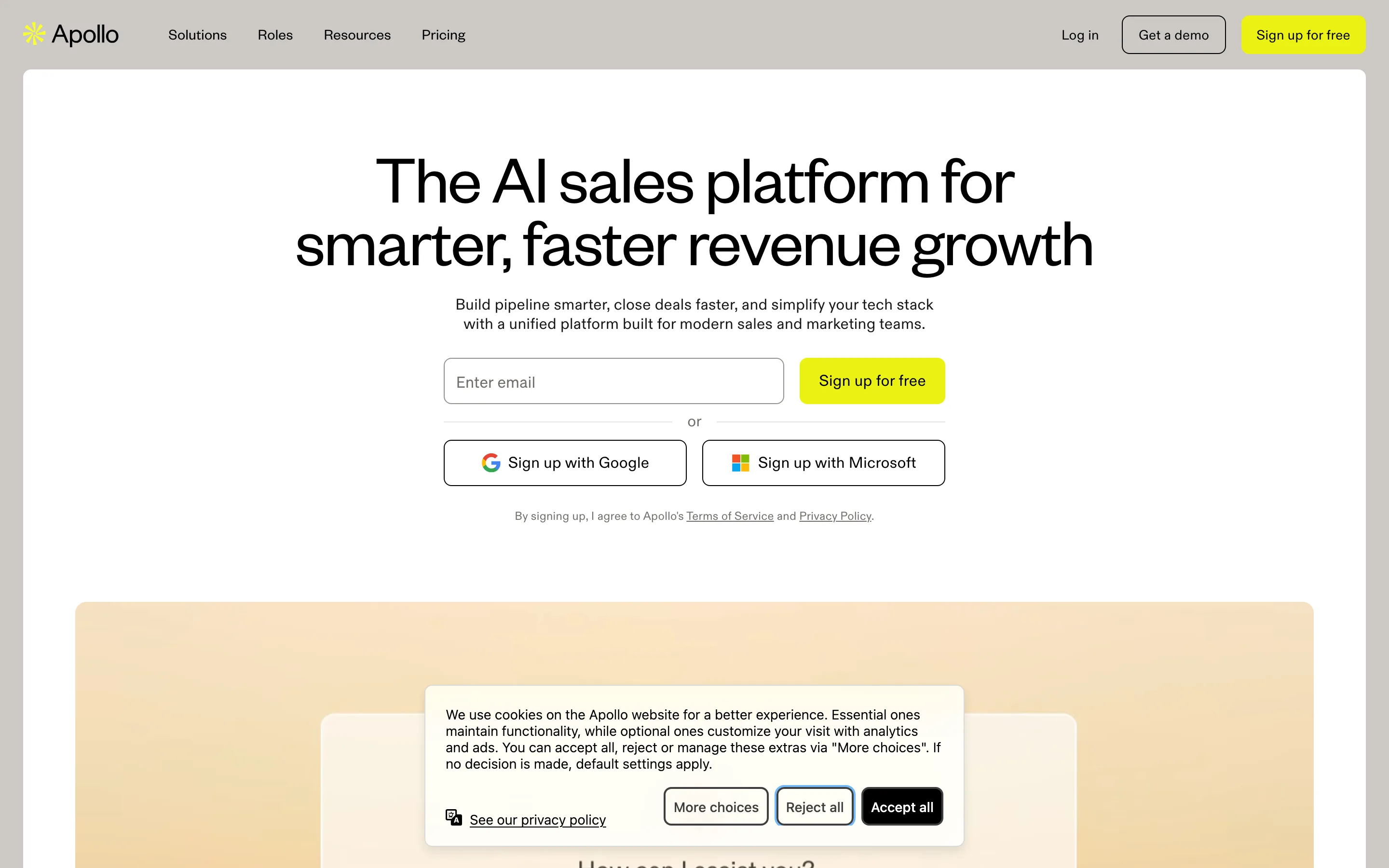
When you want fewer moving parts in outbound, Apollo.io is the obvious “data plus sequencer” option. Apollo.io combines a B2B contact database, list building, basic enrichment, and outbound sequences in one workflow, so reps can go from target accounts to touches without exporting CSVs between tools. [GDPR]
Apollo.io fits SMB and mid-market teams that need speed and decent coverage across industries. It is also a common choice for founder-led sales because you can build a list, write a sequence, and start sending in the same session.
Where Apollo.io Helps Most
- Prospecting and list building: Search for people and companies using filters such as job title, seniority, location, and tech stack, then save lists for ongoing outreach.
- Sequences in the same place as data: Run multi-step email sequences without pushing leads into a separate outbound tool first.
- CRM sync: Apollo.io integrates with Salesforce and HubSpot, plus Gmail and Outlook for mailbox connection, so activity can land where pipeline lives.
- Plan-dependent calling: Apollo.io includes a dialer on some plans, which can matter if your team mixes email and phone.
The practical upside is workflow compression. A rep does not have to jump from a data vendor to an email tool to a CRM just to run a test campaign.
Watch-outs: treat any prospect database as “trust, then verify.” Validate emails before high-volume sends, and spot-check phone numbers and job changes on high-value accounts. If your outbound program depends on very high accuracy, deep org charts, or intent data, teams often pair Apollo.io with an enterprise data provider or enrichment layer.
Best fit: teams that want one login for prospecting plus outbound sequences, with pricing that starts free and scales to custom plans as you add seats and features.
3. ZoomInfo
Free-to-custom pricing works for many teams, but enterprise outbound usually breaks on one thing: data you can trust at scale. ZoomInfo is the pick when you need broad B2B coverage, higher-confidence contact records, and signals that help reps prioritize the right accounts. [GDPR]
ZoomInfo is a B2B intelligence platform that combines company and contact data with intent signals and enrichment. Teams use it to build target account lists, find buying committee members, keep CRM records current, and trigger outreach when interest spikes.
Where ZoomInfo Fits Best
ZoomInfo earns its keep when you run multi-segment outbound, operate across regions, or manage strict routing rules in Salesforce. It is also a strong choice for account-based motions where you want to align sales and marketing on the same account universe, then push those accounts into Outreach or Salesloft sequences.
- Prospecting at enterprise scale: build lists by firmographics and org structure, then export to Salesforce, HubSpot, Outreach, or Salesloft.
- Intent-driven prioritization: use intent signals to focus rep time on accounts that show active research behavior.
- CRM enrichment and hygiene: enrich leads and accounts so routing, scoring, and territory rules work as designed.
- Marketing ops alignment: connect ZoomInfo data to Marketo for cleaner segmentation and better handoffs.
Expect ZoomInfo to require process. You get the most value when RevOps defines required fields, enrichment rules, and ownership logic, then audits results monthly. Without that, teams often import too much data, create duplicates, or confuse reps with competing sources of truth.
ZoomInfo is also the “coverage insurance” tool when your outbound platform already handles sequencing and personalization. For example, teams may source and enrich in ZoomInfo, then run personalized email and LinkedIn touches in a sequencer such as Overloop AI, while keeping Salesforce as the system of record.
4. Clearbit
When your sequencer already handles messaging and follow-up, the next bottleneck is qualification. Clearbit focuses on that moment: it enriches inbound and product-led growth (PLG) leads with company and person context so your team can score, route, and respond faster. [GDPR]
Clearbit is best known for turning thin signals (an email address, an IP, a form submission) into usable firmographics. That includes attributes like company size, industry, location, and domain, plus enrichment fields you can push into systems where decisions happen, such as HubSpot, Salesforce, and Segment (a customer data platform).
How Clearbit Speeds Up Qualification
- Shorter forms, higher conversion: Clearbit can auto-fill company details from an email or domain, so you ask fewer questions on demo requests, webinar signups, and “contact sales” forms. Marketing keeps conversion rates up while sales still gets context.
- Smarter routing: Firmographics let you route instantly. Example: send 500+ employee accounts to an enterprise AE in Salesforce, route startups to a commercial queue, and send students or consultants to a self-serve path in HubSpot.
- Cleaner lead scoring: Enrichment adds consistent fields for scoring models. You can score by employee count, region, industry, or tech stack, then trigger workflows in HubSpot Marketing Hub or a reverse-ETL setup from Segment.
- Better handoffs for PLG: PLG teams can enrich signups and in-app “talk to sales” requests so reps see what matters before outreach, such as company profile and whether the domain matches your ICP.
Clearbit fits teams that already generate demand and want to stop wasting cycles on low-fit leads. It is also a practical pairing with outbound tools: enrich inbound leads with Clearbit, then push qualified accounts into a sequencer such as Overloop AI for fast, personalized follow-up.
Watch-outs: enrichment quality depends on the identifier you capture. Personal email domains and sparse form data limit match rates, so collect a work email or company domain when qualification matters.
5. LinkedIn Sales Navigator
When you cannot capture a clean work email or company domain, you can still qualify accounts using where prospects spend time. LinkedIn Sales Navigator is the account-based prospecting tool built on LinkedIn’s graph, so reps can find the right people, track account activity, and map relationships before they ever export a list. [GDPR]
LinkedIn Sales Navigator is a paid LinkedIn product for sales teams. It adds advanced search, saved lead and account lists, alerts, and CRM integrations that help you run an account-based motion with less guesswork.
What Sales Navigator Does Well for ABM Prospecting
- Advanced ICP filters: Build tight target lists using company headcount, industry, geography, and job function, then narrow by seniority, title, and years in role. For ABM, those filters matter more than raw contact volume.
- Lead and account lists with alerts: Save your target accounts and buying committee members. Sales Navigator alerts you when leads change jobs, post on LinkedIn, or when accounts show activity you can reference in outreach.
- Buying signals and intent-adjacent cues: Sales Navigator is not a dedicated intent platform like ZoomInfo Intent, but it surfaces practical signals such as job changes, recent posts, and company growth cues that help reps choose timing and angles.
- Relationship mapping: TeamLink (availability depends on plan and admin settings) helps you spot warm paths through colleagues’ connections, which often beats cold intros on high-stakes accounts.
- CRM visibility: With Sales Navigator for Salesforce or the HubSpot integration, reps can see CRM context while prospecting and log activity, reducing duplicate outreach and keeping account ownership clear.
Sales Navigator works best when you pair it with an outbound sequencer. A common workflow is: build an account list in Sales Navigator, export or sync leads to Salesforce or HubSpot, then run email plus LinkedIn sequences in a tool like Overloop AI or Outreach, with email verification handled before sending. If you are considering a standalone LinkedIn automation add-on for that step, our LinkedIn Helper review covers where it helps and the account-safety limits to watch.
Watch-outs: LinkedIn data is strong for roles and org context, but it does not guarantee deliverable emails or direct dials. Treat Sales Navigator as your targeting and research layer, then validate contactability with Hunter or an enrichment provider before high-volume outbound. When a profile has no email at all, our guide on how to get the email from a LinkedIn profile covers the methods that actually work.
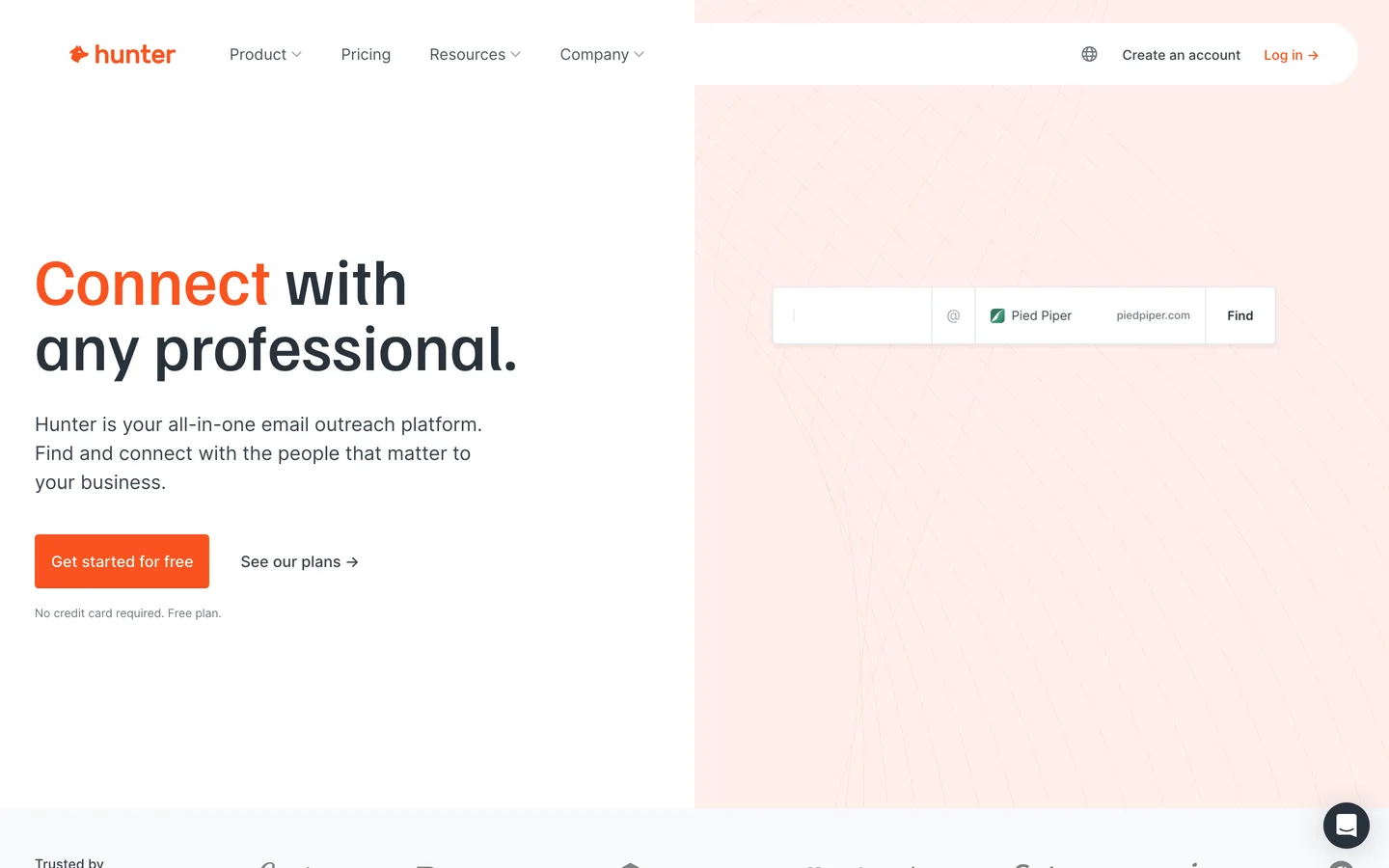
6. Hunter
LinkedIn targeting tells you who to contact. Hunter tells you how to reach them fast, with fewer bounces. For lean outbound teams and agencies, that speed matters because list building often happens under deadline pressure.
Hunter is an email discovery and verification tool. You use it to find work email addresses for a person or a whole company domain, then verify deliverability before you send from Gmail, Outlook, Lemlist, or a sequencer such as Overloop AI. When you are working the other direction and start from an address you already have, a reverse email lookup tells you the person and company behind it.
Picking your sales stack?
Overloop covers prospecting + enrichment + outreach + follow-up in one place. 450M contacts, with AI on every step.
Book a demo →See featuresWhere Hunter Is Strong
- Domain Search for quick list building: Enter a company domain and Hunter returns known email addresses and common patterns (for example, first.last@domain.com). This is useful when you already have an account list from LinkedIn Sales Navigator or a CRM export.
- Email Finder for 1:1 targeting: Enter a name plus domain, get likely emails, then validate them before outreach. Agencies use this flow to build small, high-intent lists for niche campaigns.
- Email Verifier for deliverability protection: Run verification on individual emails or bulk lists to reduce hard bounces. That protects sender reputation with mailbox providers like Google and Microsoft.
- Lightweight workflows and integrations: Hunter connects with tools teams already live in, including Google Sheets, HubSpot, Salesforce, and Zapier, so you can enrich a list without a full data stack.
Hunter fits best when you bring your own targeting: account lists from Sales Navigator, attendees from a webinar platform, or a CSV from a data provider. It is also a practical “second opinion” verifier when you source contacts elsewhere and want a clean send list.
Watch-outs: Hunter does not replace a full prospecting database for coverage, org charts, or intent. Verification also cannot fix role-based inboxes (info@, sales@) or domains with strict catch-all setups. Spot-check high-value accounts and keep bounce thresholds tight.
7. Lemlist
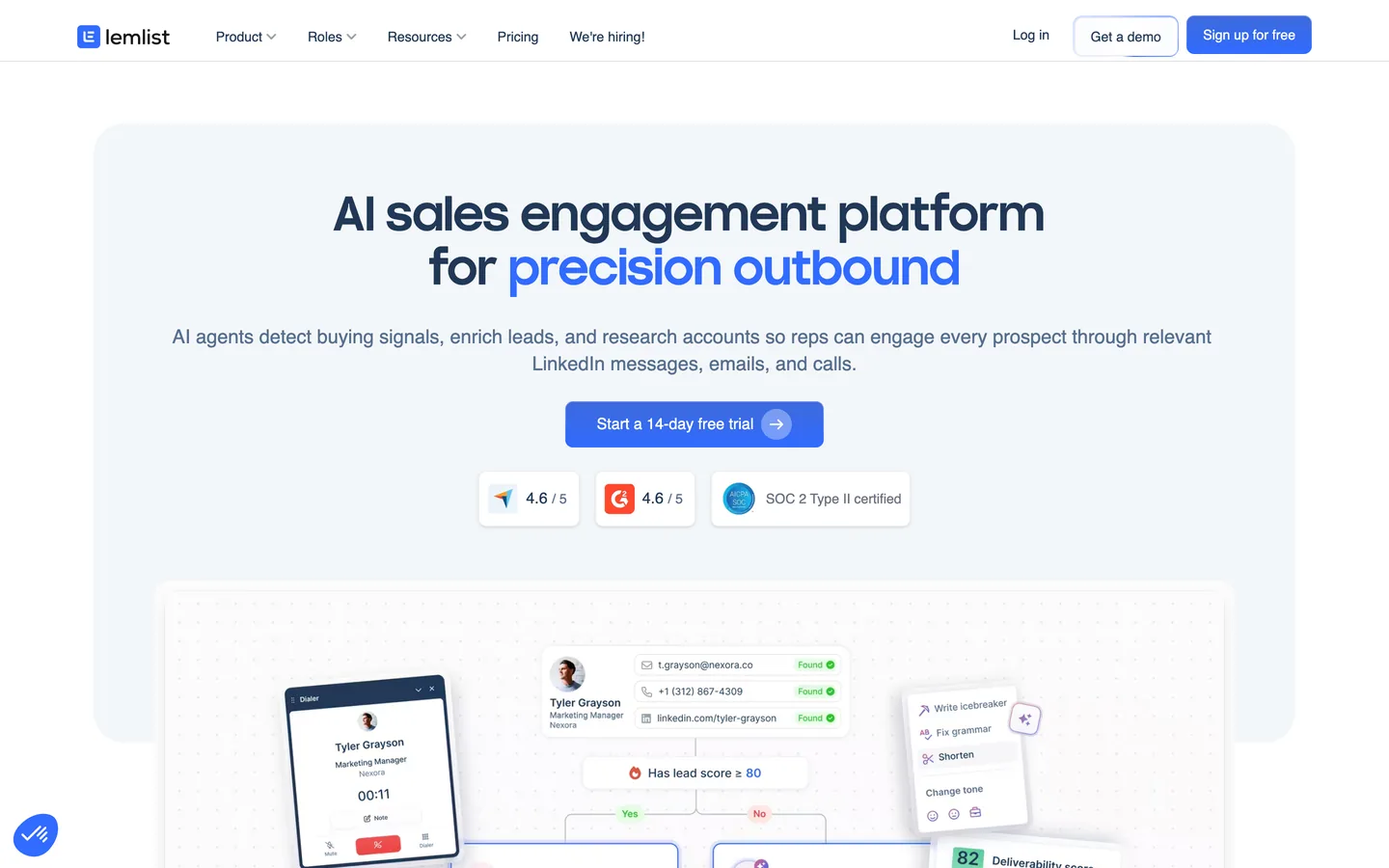
Verification reduces bounces, but it does not fix weak messaging or poor inbox placement. Lemlist focuses on the part outbound teams control every day: sending cold email that looks human, reads specific, and lands in the inbox often enough to generate replies.
Lemlist is a cold email platform built for outbound-first teams that want personalization at scale. It combines multi-step sequences, dynamic personalization fields, and deliverability tooling so SDRs can run campaigns without living in spreadsheets and Gmail drafts.
What Lemlist Does Best
- Personalized cold email at scale: Lemlist supports variable-driven copy and personalization assets (for example, custom images). Used well, this is how teams move past generic first lines and get more “this feels relevant” replies.
- Deliverability controls: Lemlist puts deliverability front and center. You set sending limits, ramp volume, and monitor the basics that protect your domain reputation. Many teams pair this with dedicated sending domains and proper authentication (SPF, DKIM, DMARC) to keep campaigns stable.
- Sequencing and team workflows: Build multi-step sequences, handle replies, and keep outreach consistent across reps. This matters when you have multiple SDRs testing angles on the same ICP.
- Integrations: Lemlist connects with CRMs like HubSpot, Salesforce, and Pipedrive, plus Zapier for routing events into Slack, Google Sheets, or enrichment steps.
Lemlist fits agencies and SMB sales teams that already have lists from Apollo.io, ZoomInfo, LinkedIn Sales Navigator exports, or a scraper, and want a dedicated place to run high-quality cold email. If your bottleneck is list quality or missing contacts, Lemlist will not solve that alone. You still need sourcing and verification upstream.
One practical workflow is: build and verify your list (Hunter or a database provider), enrich key fields (Clearbit or Clay), then run a tight Lemlist sequence with conservative daily volume and aggressive list hygiene. That combination keeps bounce rates low and makes personalization feel earned.
8. Clay
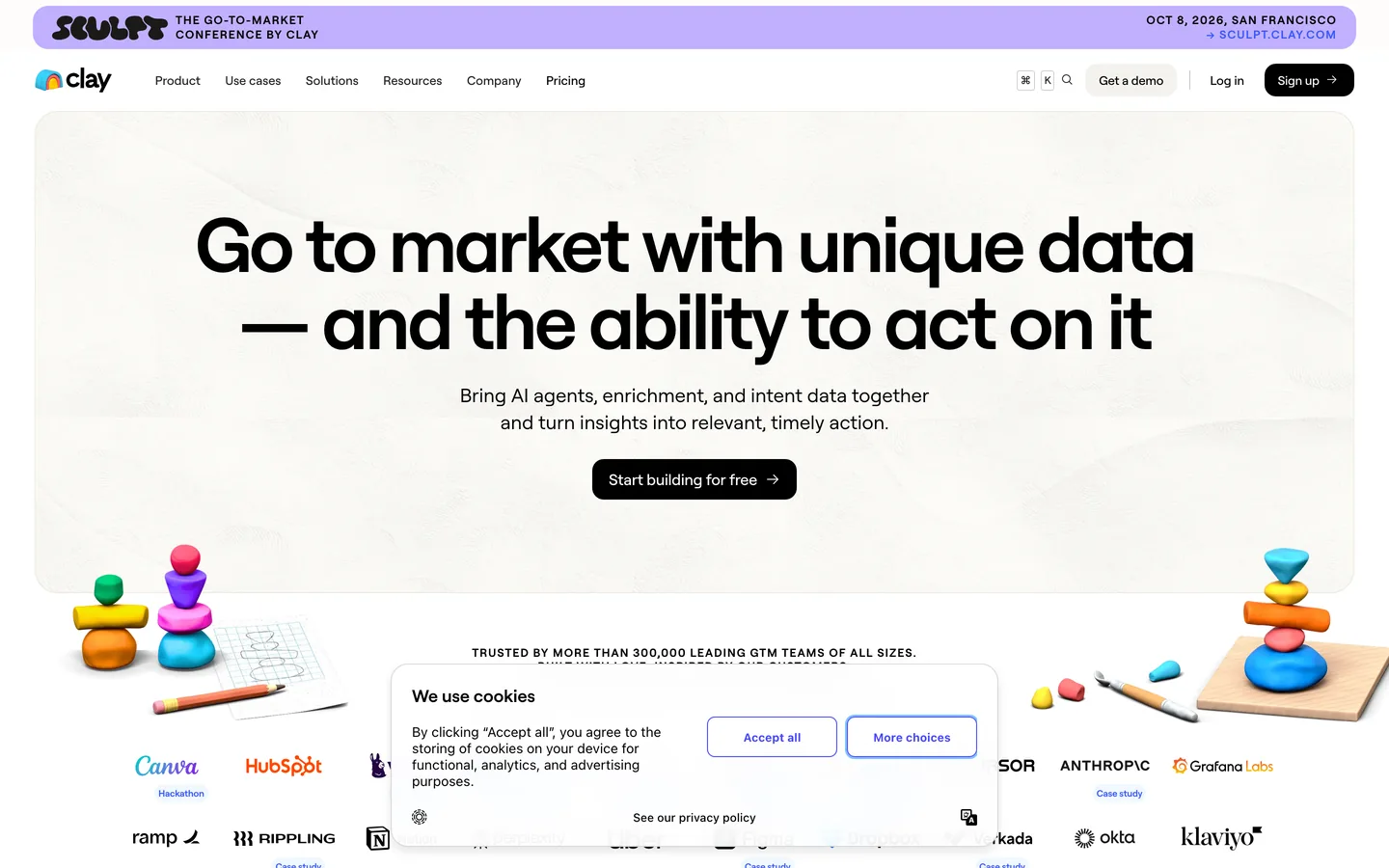
Once you have a clean, verified list, the next constraint is relevance. Generic firmographics rarely give reps enough to write a first line that feels specific. Clay sits in that gap. Clay is a go-to-market workflow tool that pulls lead data from many sources, enriches it with APIs and web research, then outputs “ready to message” rows you can push into your CRM or outbound sequencer.
Think of Clay as the layer between “a spreadsheet of names” and “a campaign that sounds like you did homework.” You connect sources, define enrichment steps, and Clay runs the work across thousands of leads with consistent rules.
What Clay Does Well for B2B Lead Generation
- Multi-source enrichment in one place: Combine inputs from LinkedIn Sales Navigator exports, Apollo.io lists, HubSpot forms, or a CSV, then enrich with company size, industry, tech stack, funding, hiring signals, and more using Clay’s connectors.
- Web research at scale: Pull structured details from company websites, job pages, press releases, and app marketplaces to create angles you can reference in outreach (for example, “hiring SDRs,” “migrating to HubSpot,” “SOC 2 page live”).
- AI-assisted personalization fields: Generate custom snippets per lead, such as a one-sentence reason the company matches your ICP or a tailored opener, then map those fields into Lemlist, Overloop AI, Outreach, or Salesloft.
- Routing and hygiene: Standardize fields before they hit Salesforce or HubSpot, reduce duplicates, and tag leads by segment so sequences stay tight.
A practical Clay workflow for outbound looks like this:
- Import accounts and contacts from your source of truth (Sales Navigator export, Apollo.io, or CRM).
- Verify emails upstream (Hunter or your sending platform) to protect deliverability.
- Enrich and research in Clay, then create 2 to 6 personalization fields you will actually use.
- Sync the final list into HubSpot or Salesforce, then enroll in sequences with strict segment rules.
Clay fits RevOps and outbound teams that care about message quality and segmentation. It is overkill if you send low-personalization volume, or if your team cannot agree on which enrichment fields drive routing and copy.
9. HubSpot Marketing Hub
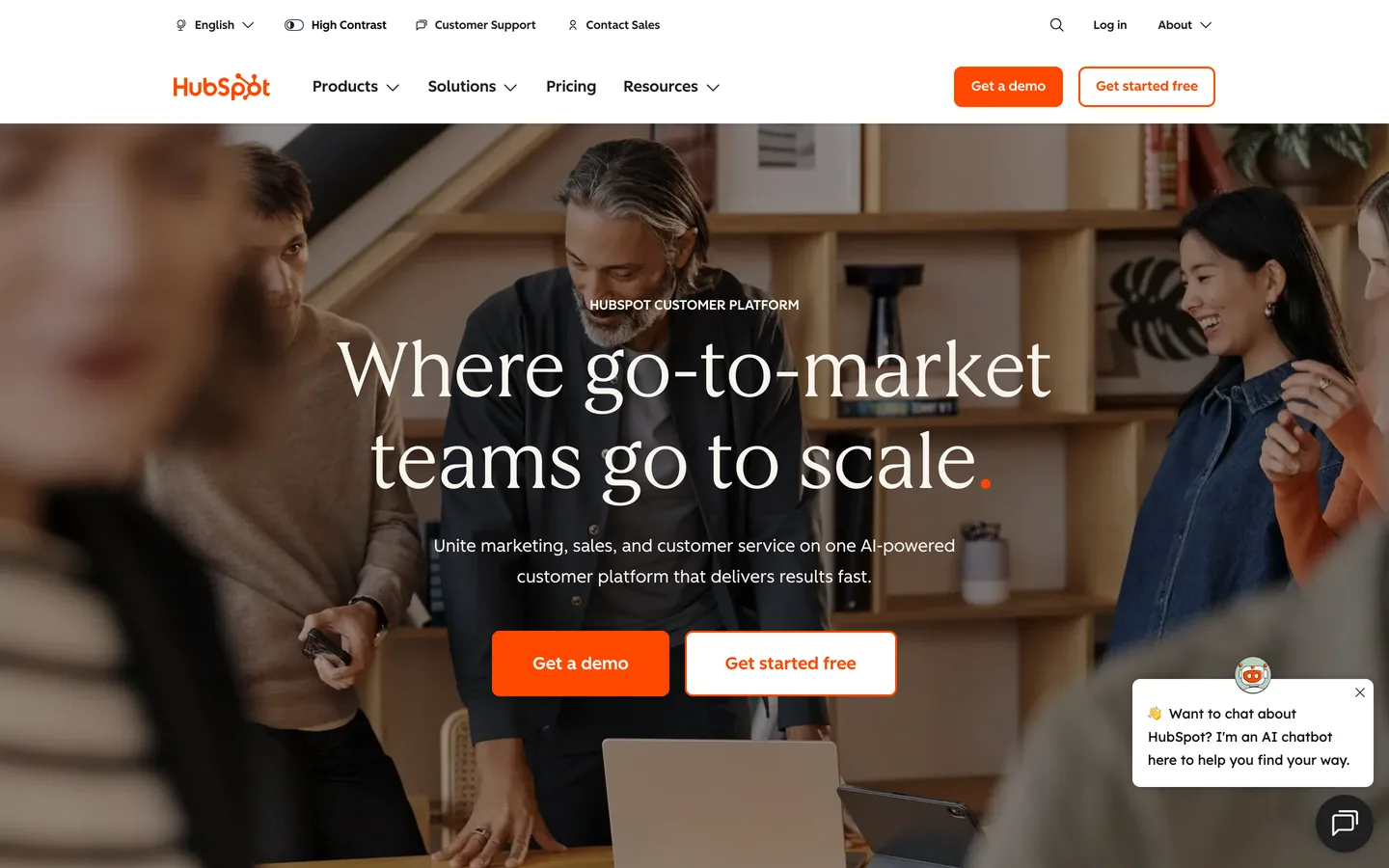
Segmentation only matters if it changes what happens after a lead raises a hand. HubSpot Marketing Hub is the system many B2B teams use to capture inbound demand, enrich it with CRM context, and run consistent follow-up without relying on SDR heroics.
HubSpot Marketing Hub is a marketing automation product from HubSpot. It sits on top of HubSpot CRM and turns form fills, newsletter signups, webinar registrations, and content downloads into trackable contacts you can score, segment, and route.
Where HubSpot Marketing Hub Wins for Inbound Lead Generation
- Lead capture that feeds the CRM cleanly: HubSpot forms and landing pages write directly to HubSpot CRM properties. That reduces spreadsheet imports, missing fields, and “who owns this lead?” confusion.
- Workflows for fast, consistent follow-up: Build automation that sends the right email sequence, creates tasks, assigns owners, or updates lifecycle stage based on behavior. This is how inbound teams respond in minutes instead of hours.
- CRM-based segmentation: Segment by firmographics, lifecycle stage, product interest, and sales activity stored in HubSpot CRM. Marketing and sales can operate from the same definitions, which keeps MQL and SQL handoffs less subjective.
- Attribution and reporting: HubSpot reporting helps teams connect campaigns to pipeline by channel, asset, and lifecycle stage, so you can stop guessing which content drives qualified conversations.
HubSpot Marketing Hub fits inbound-led motions: content, SEO, webinars, partner co-marketing, and product-led capture. It also fits hybrid teams that run outbound, but want inbound leads nurtured until they hit an intent threshold (for example, pricing page views or a demo request).
Two practical watch-outs: HubSpot workflows get messy when teams create one-off automations per campaign, and CRM data quality decides whether segmentation works. If your inbound leads arrive thin, many teams enrich and qualify before outbound follow-up, then push high-fit leads into a sequencer such as Overloop AI for email plus LinkedIn touches.
10. Chili Piper
Enrichment and segmentation decide whether a lead is worth a fast response. The response itself decides whether that lead becomes a meeting. Chili Piper focuses on that last mile: it routes high-intent inbound leads to the right rep and books the meeting instantly, right from your form or inbound request.
Chili Piper is a meeting routing and scheduling platform for revenue teams. It connects your forms and inbound flows to your CRM, checks ownership and eligibility rules, then offers real-time scheduling with the correct account owner or a round-robin pool.
Where Chili Piper Improves Lead Conversion
Speed-to-lead is the obvious win. When someone requests a demo, downloads a high-intent asset, or asks for pricing, Chili Piper can present a calendar immediately instead of sending an email that gets ignored. Teams typically use it to remove the gap between “hand raised” and “meeting booked.”
Routing accuracy is the second win. Chili Piper can enforce territory, segment, and account ownership logic that lives in Salesforce or HubSpot, so the right person gets the meeting. That matters when you sell into multiple regions, run SMB and enterprise motions in parallel, or have strict account assignment rules.
Chili Piper also reduces operational noise. Fewer manual handoffs means fewer Slack pings, fewer “who owns this lead?” threads, and fewer leads that sit unworked because the assignment was unclear.
A Practical Setup That Works
- Start with one high-intent entry point, usually your “Request a demo” form.
- Define routing rules based on fields you trust (region, employee count, account owner in Salesforce or HubSpot).
- Offer instant scheduling with guardrails (meeting length, buffers, qualification questions).
- Instrument handoffs so booked meetings, no-shows, and conversions report cleanly in your CRM.
Chili Piper pairs well with enrichment tools like Clearbit and HubSpot workflows because it turns “qualified enough to talk” into a booked slot. If you want a concrete next step: pick your highest-intent form, map the minimum fields needed for routing, then go live and measure meeting rate before and after within the same traffic window.
Honorable Mentions
These tools did not make the top 10 but are worth knowing:
- Outreach , enterprise sales engagement. Strong sequencing, requires separate data sourcing.
- Salesloft , cadence management for mid-market to enterprise teams.
- Saleshandy , cold email platform with sequences, email verification and a built-in B2B lead finder. From $34/month billed annually.
- Lusha , quick contact lookups with browser extension. From $36/month.
- Seamless.AI , AI-powered contact finding with free tier.
- Leadfeeder , website visitor identification via reverse IP lookup.
- Calendly , meeting scheduling. Critical for converting leads to booked calls.
- Cognism , European B2B data with phone-verified mobiles. Strong for EMEA/GDPR.
- Pipedrive , CRM with pipeline management. Integrates with Overloop AI.
Lead Generation Automation: What It Is and Why It Matters
Lead generation automation is the practice of replacing manual prospecting steps (list building, email finding, copywriting, sending, follow-up, CRM logging) with a single workflow that runs on rules and AI. The shift is real: in 2026, the gap between teams that booked pipeline and teams that did not was less about effort and more about how much of the lead gen workflow was automated end-to-end.
A manual lead gen workflow looks like this: open Sales Navigator, copy names into a sheet, find emails in Hunter, verify them, write personalized openers, paste into Lemlist, schedule sends, check replies in 3 inboxes, update CRM by hand. That stack works at 50 leads a week. It collapses at 500.
Lead generation automation collapses those steps into one motion. Overloop AI is the canonical example for outbound: you drop a website URL, the platform auto-generates an ICP, sources contacts from a 450M database, verifies emails, writes personalized email + LinkedIn copy with your tone, runs the sequence, and logs replies in the CRM. The SDR stays in one tab. That is the difference between "best lead generation tools" and "lead generation automation platforms": the second category does the work without copy-paste.
The teams that win with lead gen automation share three habits. First, they pick one platform that covers data + outreach + reporting instead of stacking 4 tools that do not talk to each other. Second, they let the system generate the first draft (ICP, copy, sequence) and only edit what feels off. Third, they trust the automation to handle volume so SDRs spend time on the 5% of replies that need a human, not the 95% of mechanical sends.
What's the best lead generation automation tool?
For outbound-led B2B teams in 2026, Overloop AI is our lead generation automation pick. Starter is $69/user/month with 250 credits; Growth is $99/user/month with 500 credits. It combines AI-generated ICPs from a website URL, contact sourcing from 450M records, email verification, multi-channel email + LinkedIn sequencing with AI-personalized copy, and reply detection. Apollo.io is an alternative if you need a free tier, Lemlist if you only need cold email and already have a clean list, and ZoomInfo if you need enterprise-grade intent data on top of automation.
How does lead generation automation work?
Lead generation automation works by chaining four steps that used to happen across separate tools. Step 1, sourcing: the platform pulls contacts from a B2B database (or imports your CSV) using ICP filters like industry, headcount, role, geography, and tech stack. Step 2, verification: emails are checked in real time against SMTP and pattern rules, so bounce rates stay under 3% and sender reputation holds with Google + Microsoft. Step 3, personalization and sending: AI writes first lines using public signals (company site, LinkedIn posts, job pages), then sends the sequence across email + LinkedIn on a schedule that respects sending limits. Step 4, reply handling: the platform detects replies, out-of-office, and bounces, then routes positive replies to a rep and logs the activity in the CRM. Overloop AI runs all four steps in one platform.
Is lead generation automation worth it?
Lead gen automation can be worth it when SDR time is the bottleneck and list quality is reasonable. The outcome depends on targeting, deliverability, offer, channel mix, and rep follow-up; a tool subscription does not guarantee a particular meeting volume or payback period. Model the workflow with your own conversion rates and deal economics. Automation is not worth it when your list is wrong or your message is generic enough that personalization does not move reply rates. Fix the inputs first, automate after.
Ready to automate your lead gen?
Overloop supports LinkedIn + email lead generation with AI-generated ICPs on a 450M contact graph. Plans currently start at $69/user/month.
Try Overloop free →Book a demoDone shopping for sales tools?
Book a demo and see if Overloop can replace 3-4 of the tools on your shortlist.
Start with Overloop →See a demoFrequently asked questions
What is lead generation automation?
Lead generation automation is the practice of using software to run the full prospecting workflow (sourcing, verification, personalization, sending, follow-up, CRM logging) without manual steps between tools. A lead generation automation platform like Overloop AI combines a contact database, multi-channel sequencing, AI personalization, and reply handling so SDRs stop juggling tabs. It is the upgrade path from "best lead generation tools" (point solutions) to one workflow that runs on rules and AI.
What's the best lead generation automation tool?
Overloop AI is our lead generation automation pick for outbound-led B2B teams that want ICP definition, prospect sourcing, email verification, and email + LinkedIn campaign steps in one workflow. Starter is $69/user/month with 250 credits; Growth is $99/user/month with 500 credits. Apollo.io is an alternative if you need a free tier; Lemlist if you only need cold email.
How much does lead generation software cost?
Lead generation software pricing in 2026 ranges from free to enterprise custom. Overloop AI publishes Starter at $69/user/month and Growth at $99/user/month. Apollo.io has a free plan and paid plans from $49/month; Hunter has a free tier and paid plans from $34/month; Lemlist starts at $39/seat/month; LinkedIn Sales Navigator starts at $99/month; Clay starts at $149/month; HubSpot Marketing Hub has a free tier and paid plans from $20/month; ZoomInfo and Clearbit use custom pricing. Verify every vendor's current page before budgeting.
Free lead generation tools that actually work?
Free options to evaluate in 2026 include Apollo.io's free plan, Hunter's free tier, HubSpot CRM, vendor trials, and limited Seamless.AI credits. Free tiers can help test a small workflow, but their data, usage, and channel limits vary. Compare those limits with your actual volume before upgrading; Overloop's current paid plans are listed on its official pricing page.
Is there an AI lead generation tool?
Yes. Overloop AI is the AI lead generation tool that runs the full automation loop: AI-generated ICPs from a website URL, AI-driven contact sourcing from 450M records, AI-written email + LinkedIn copy tailored to each prospect, and AI reply detection. Clay also uses AI for enrichment and personalization fields, but it is a workflow layer, not a full outreach platform. Apollo.io added AI assistants for sequence drafting. The practical difference: Overloop AI automates the whole loop in one tab; the others automate one or two steps.
B2B lead generation vs lead automation: what's the difference?
B2B lead generation is the goal: turning unknown companies into qualified pipeline. Lead automation (or lead generation automation) is the method: using software to run the prospecting workflow without manual handoffs. Traditional B2B lead generation tools are point solutions (a database, a sequencer, an enrichment layer, a router) that you stitch together. Lead generation automation platforms like Overloop AI combine those layers in one workflow. The shift in 2026 is that buyers stopped shopping for "tools" and started shopping for "the automation that replaces 4 tools." Outbound-first teams should also compare dedicated sales prospecting platforms, which we ranked separately. For the strategy side of that equation, read our complete guide to B2B lead generation tools.
What is the difference between inbound and outbound lead generation tools?
Inbound tools (HubSpot Marketing Hub, Clearbit, Leadfeeder) capture leads who already visit your website and enrich them with company context. Outbound tools (Overloop AI, Apollo.io, Lemlist) proactively find and contact prospects matching your ICP. Most B2B teams run both: inbound to convert traffic, outbound to build pipeline predictably without depending on demand-gen volume. A lead generation automation platform like Overloop AI handles the outbound side end-to-end.
Methodology & sources6 sources
How this edition was evaluated
For this edition, we reviewed the product criteria and sources discussed on the page. Use the article date and linked primary sources to verify current details.
- Product scope: current vendor documentation and the capabilities relevant to this edition.
- Available access: public pages, trial behavior, or hands-on access only where the article identifies it.
- Deliverability claims: vendor-reported figures kept separate from cited independent evidence.
- Pricing snapshot: public prices and disclosed add-ons tied to the article date.
- Privacy review: DPA, subprocessors, processing regions, and safeguards where documentation is available.
- Editorial fit: recommendations labeled as judgment, with Overloop ownership disclosed.
Read the methodology for this edition, and check the article date plus linked primary sources before relying on current pricing or product details.