


A cold email MCP server lets an AI assistant call tools in an outreach platform. The useful comparison is what each operation can change: reading a campaign, preparing content, adding recipients, activating outreach and pausing it are different actions. Choose the connection that documents the operation you need and the point at which sending can begin.
Start with your current platform. Instantly documents an MCP-to-API mapping for campaign operations. Salesforge publishes separate sequence, enrollment and launch tools. Apollo documents sequence preparation and enrollment, including a warning that enrollment can start outbound. Smartlead documents campaign insights and diagnostics, with less precise write-operation evidence in the sources reviewed here.
Documentation checked: 21 September 2026. This is a four-provider documentation audit, not a sending test or a deliverability ranking. We inspected official documentation and published source. We did not authenticate to workspaces, execute product tools or send messages. Overloop publishes this comparison and is not scored as an MCP provider in this edition.
Check the supported campaign operations, or download the operation audit as CSV.
Choose by the action you need
A tool that can read campaign statistics does not necessarily expose campaign creation. A tool that adds recipients may already cross the boundary into outreach. Use these questions before choosing a server:
Scroll horizontally to see all columns.
| Your job | Evidence to look for | What remains a separate question |
|---|---|---|
| Review an existing campaign | Campaign lookup and report operations, with IDs and time windows | Whether the same connection can edit it |
| Prepare a sequence | A stored campaign or sequence object, plus message-content operations | Whether creation leaves it inactive |
| Add prospects | Exact recipient selection and enrollment behavior | Whether enrollment can trigger sending |
| Start outreach | Activation or launch operation and prerequisites | When the scheduler actually sends each message |
| Stop future outreach | Campaign pause, sequence pause or contact stop, at the right scope | Whether already queued messages are affected |
These distinctions matter even when one natural-language request can chain several tools. “Set up my campaign” is too vague to serve as an action contract.
Operation matrix
Documented means the inspected official material supports the stated operation. Unknown means it did not establish the detail; it does not mean the provider lacks it. Observed is reserved for runtime behavior verified in an account. No row in this edition is runtime-observed.
Scroll horizontally to see all columns.
| Provider | Read and report | Prepare or create | Add recipients | Activate or pause |
|---|---|---|---|---|
 Instantly Instantly |
Documented campaign reads and analytics | Documented campaign creation; check returned state | Documented lead-to-campaign association; sending effect needs checking | Separate activation and pause routes documented |
 Salesforge Salesforge |
Sequence reads in official source; exact campaign-report contract unknown | Sequence and message-node tools in official source | Preflight, move preview and confirmation in official source | Launch and status tools in official source |
 Apollo Apollo |
Sequence search, sending-account reads and analytics documented | Sequence creation/update documented; verify inactive state | Documented; enrollment may start outbound | Contact remove/stop documented; separate campaign launch/pause unknown |
 Smartlead Smartlead |
Campaign insights, status and diagnostics documented | Exact MCP write contract unknown | Exact MCP write contract unknown | Exact MCP write contract unknown |
Source trail: Instantly MCP mapping, Forge published source, Apollo current MCP documentation, and Smartlead MCP help.
The CSV breaks these summaries into individual operations, source IDs, exact identifiers where documented, action boundaries and unresolved questions. Published source is useful evidence of implementation intent, but does not prove that the same revision is deployed on a hosted server.
Instantly: a documented path from API operations to MCP
Instantly is a candidate when you already run campaigns there and want an agent connection with a traceable API contract. Its current developer documentation says MCP tools are generated from the API v2 specification. That provides the link between the protocol and the operation reference; API availability alone would not establish it. Instantly MCP documentation.
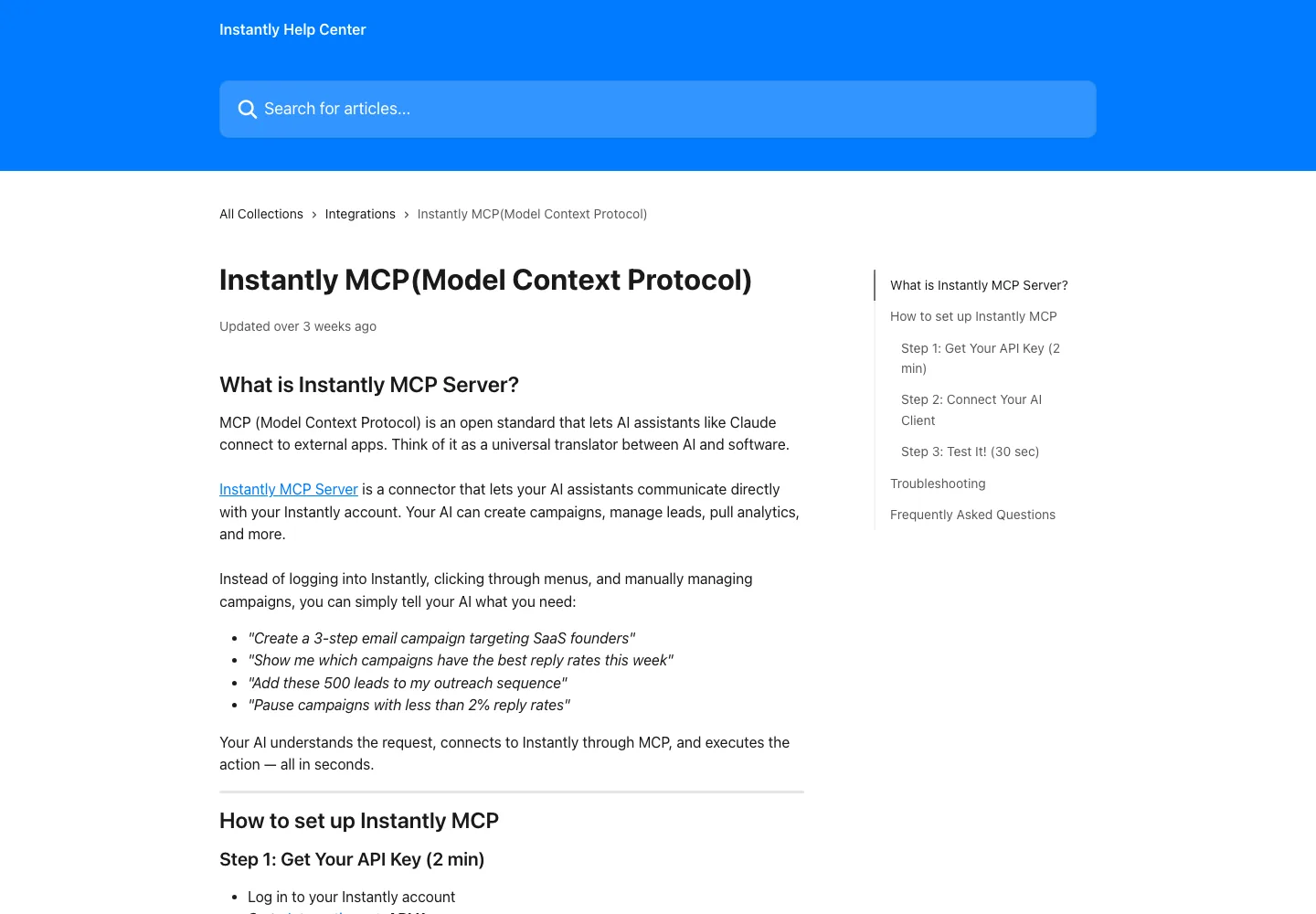
The documented campaign operations are distinct:
Scroll horizontally to see all columns.
| Operation | API contract mapped by Instantly to MCP | Boundary |
|---|---|---|
| List campaigns | GET /api/v2/campaigns |
Read campaign records |
| Create a campaign | POST /api/v2/campaigns |
Write a campaign object |
| Associate a new lead | POST /api/v2/leads, with campaign |
Write a lead and campaign association |
| Start or resume | POST /api/v2/campaigns/{id}/activate |
Change execution state |
| Pause | POST /api/v2/campaigns/{id}/pause |
Change execution state |
| Read analytics | GET /api/v2/campaigns/analytics |
Retrieve a report |
Build your evaluation brief
Choose the next job. Use the resulting checks in your own provider evaluation.
See the exact references for listing, creation, lead association, activation, pause and analytics.
The campaign schema includes a draft state, but that does not justify assuming every creation request is harmless in every workflow. Inspect the returned status and the target campaign before adding leads. This audit does not establish whether adding a lead to an already active campaign schedules its first message immediately.
For setup, use the current authentication reference. It recommends header authentication. Exact generated tool names should come from the connected client's tool list; this article uses API routes where the documentation does not give an explicit MCP identifier.
Salesforge: separate enrollment review from sequence launch
Salesforge is a candidate for teams already using its multichannel sequences and wanting explicit enrollment decisions. The official Forge repository separates the sequence container from its message steps: create_sequence creates the sequence, while action-node tools carry message content. Sequence source, message-node source.
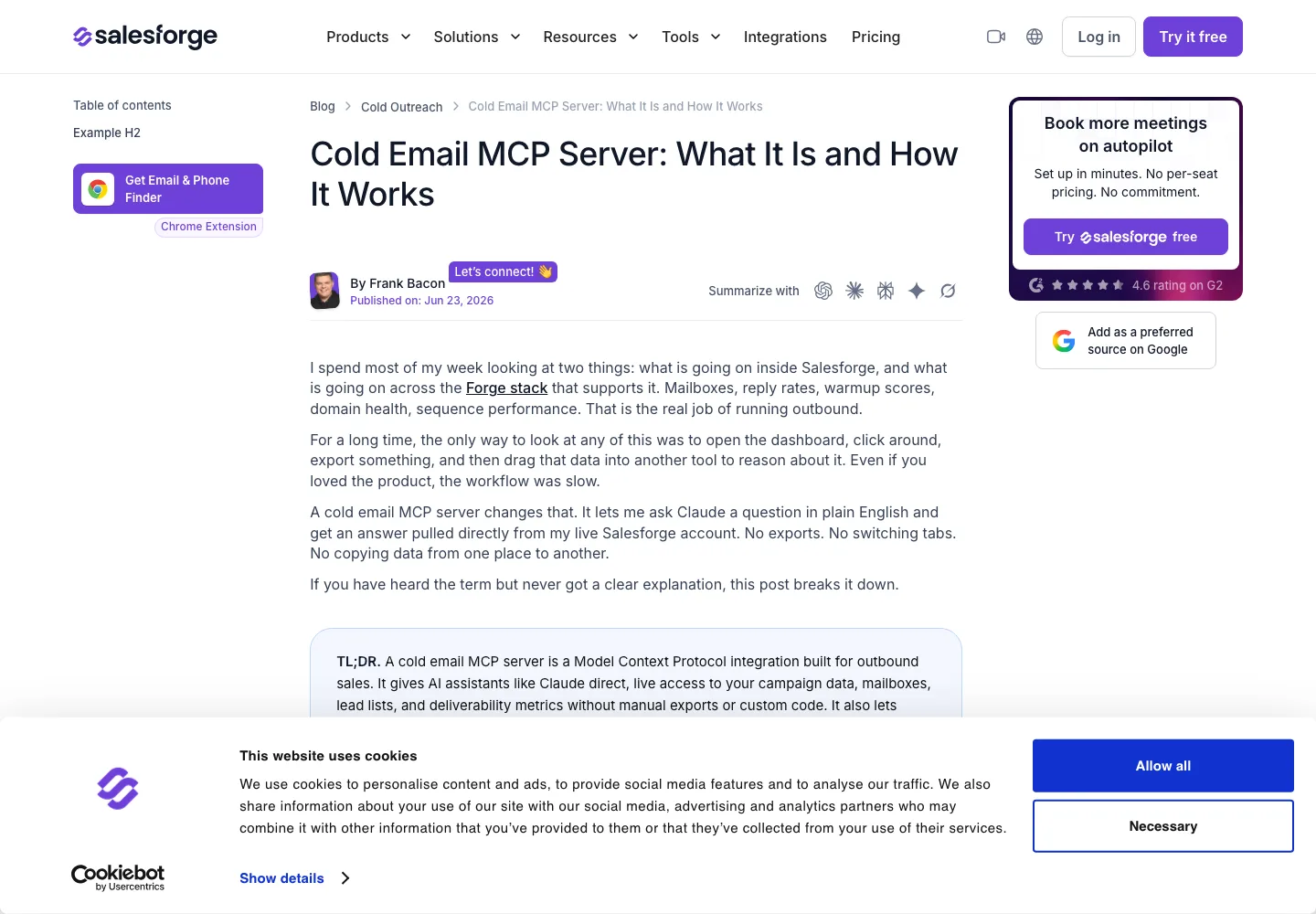
Its published enrollment workflow contains separate tools:
preflight_enrollmentschecks candidates and stores a preflight.preview_enrollment_movecalculates a proposed move without changing enrollments.confirm_enrollment_preflightapplies the enrollment decision.
The source describes enrollment into a draft sequence as possible, with outreach waiting for launch. It also says enrollment counts can include suppressed contacts who receive no outreach. An enrolled count is therefore not a sent count. The older enroll_contacts operation is marked deprecated in favor of the preflight workflow. Enrollment source.
launch_sequence is a separate operation requiring configured nodes and sender profiles. set_sequence_status accepts active or paused. The existence of a tool named “confirm” does not establish a mandatory human approval dialog; that is a separate client and workflow question. Sequence source.
These are findings from the pinned public repository revision, not a claim that its hosted deployment was tested. Salesforge describes campaign reporting in its MCP explanation; the precise report-tool identifier and output fields remain unknown in this audit.
Apollo: treat sequence enrollment as a potential sending action
Apollo is a candidate for prospecting, preparing sequences and enrolling reviewed contacts. Its current MCP documentation includes sequence creation and updates, as well as one-off email drafting and sending. Its example asks for an inactive sequence for review; that is a useful instruction, not an observed guarantee of the returned state. Apollo current MCP documentation.
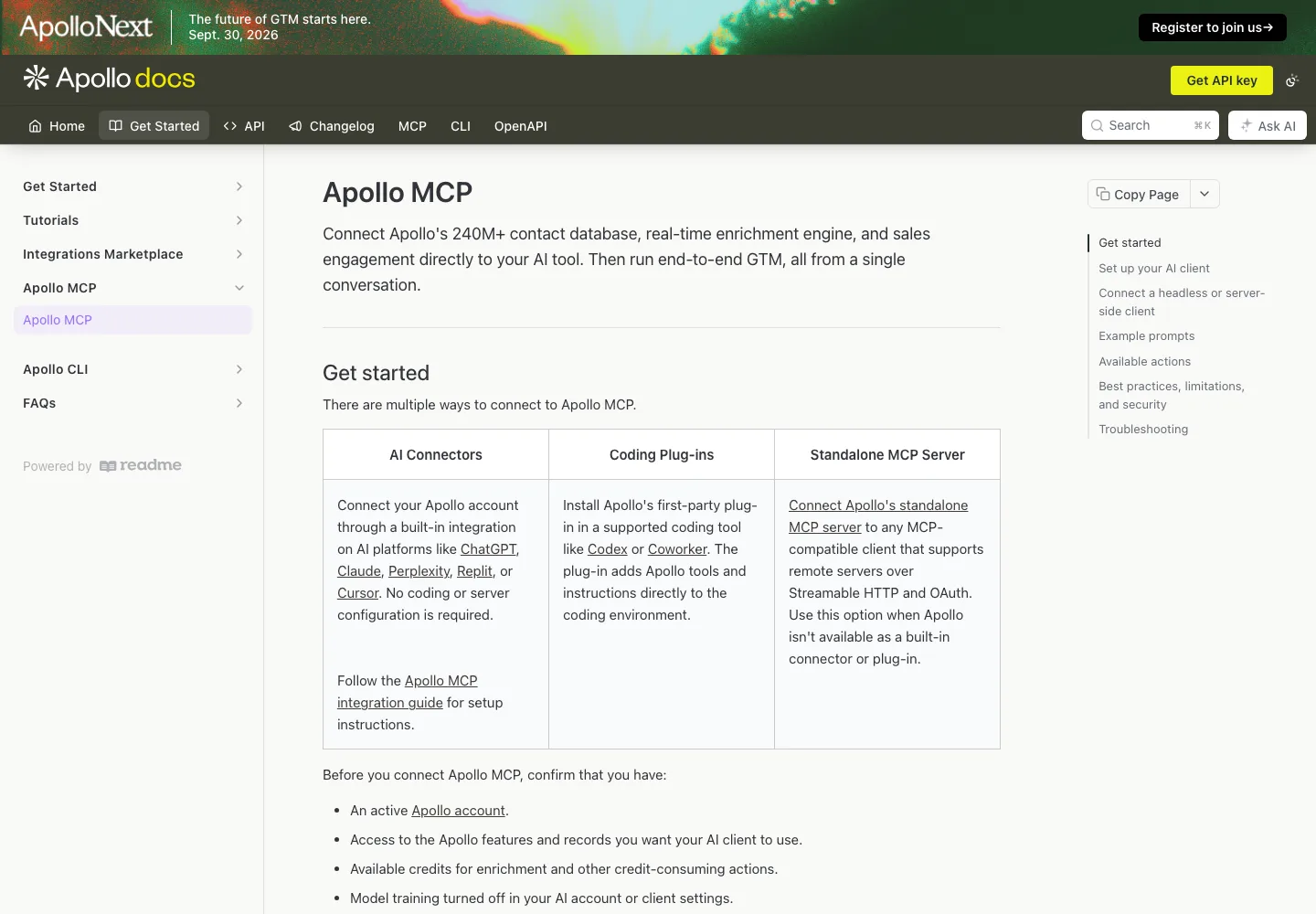
The official repository names apollo_emailer_campaigns_add_contact_ids and warns that adding contacts can start outbound depending on sequence settings. Apollo MCP reference.
Review the target sequence, sender and recipients before enrollment, rather than assuming there will be a later launch step. apollo_emailer_campaigns_remove_or_stop_contact_ids acts on sequence contacts; that is a different scope from pausing an entire campaign.
Exact sequence-creation identifiers and separate campaign activation/pause contracts remain unknown in this audit. The current documentation is broader than the repository's tool table. Inspect the connected account's current tool list rather than treating either a narrower list or an omitted identifier as a missing capability.
Smartlead: start with the documented diagnostic job
Smartlead is a candidate for an existing customer who wants to inspect campaign status, lead data and performance. Its official MCP help page documents those read and diagnostic jobs and gives example commands such as get_campaign_status. Smartlead MCP help.
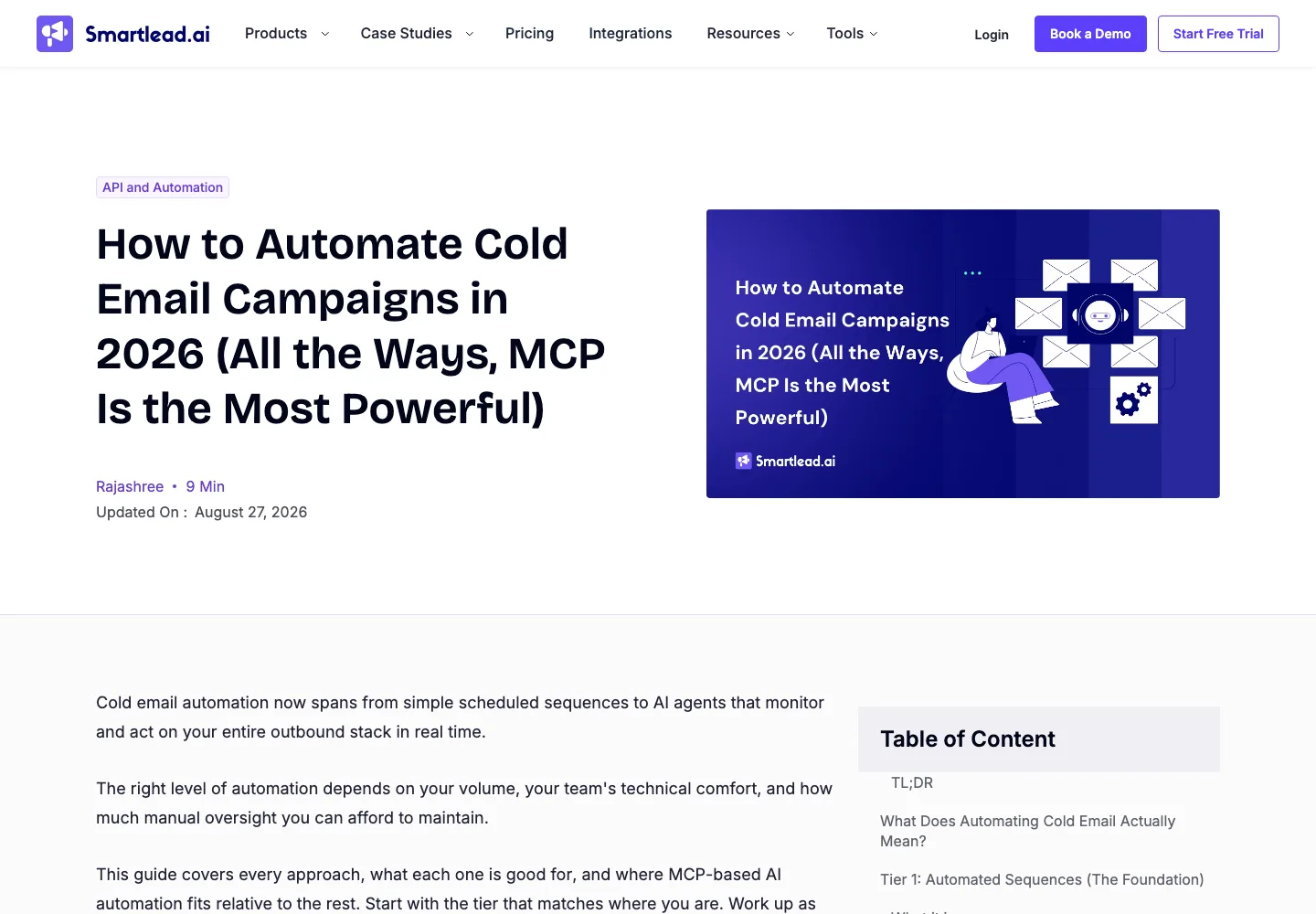
Smartlead also publishes campaign API documentation. That is useful for understanding its campaign lifecycle, but a REST operation is not proof of a particular MCP tool. The reviewed help material does not provide an exact write-tool contract for creation, enrollment, activation or pause. Those cells stay unknown.
The official help article and setup blog describe different connection approaches. We did not test either setup. Follow the current supported configuration for your client and inspect its exposed tools before relying on a write workflow. A similarly named community package should be evaluated separately from the official integration.
Run a campaign-operation audit before choosing
Use one concrete task across the candidates: read a named campaign, review its current state and prepare a recipient decision without starting outreach. This is a proposed evaluation procedure, not a task we ran against these providers.
Start with the platform where the campaign already lives. Record the workspace and campaign IDs, then list the tools the authenticated account can actually use. Limit the first pass to reads. The useful result is a small evidence packet:
Workspace and campaign ID:
Campaign status and sending schedule:
Sending account or sender profile:
Existing recipient state:
Report time window and metric definitions:
Next proposed write operation:
Could this operation start outreach? documented / unknown
Source or observed response supporting that answer:
Then inspect the proposed write without executing it. For an existing Apollo sequence, enrollment needs attention before any contact is added. For the Forge source workflow, preflight, confirmation and launch occupy different stages. For Instantly, use the separate campaign routes and inspect the campaign state. For Smartlead, resolve the exact tool contract before treating a REST feature as available through MCP.
If an assistant produces a message in chat, record that as text generation. If it stores a campaign object, record a product write. If it adds recipients, record enrollment or association. If it activates a sequence, record an execution-state change. These outcomes should never share one “campaign created” success metric.
How to reproduce this documentation comparison
The original contribution is the operation audit, not a hidden product benchmark. Its sample is four providers relevant to B2B outbound, selected for publicly accessible first-party MCP material. It is not an exhaustive server directory.
- Open the provider's official MCP documentation or official repository. Establish that it is a product connection, rather than a documentation-search server or an unaffiliated wrapper.
- For each operation, save the source URL, review date and exact tool identifier. If the provider explicitly maps MCP to an API, record both the mapping source and the API route. Leave the MCP name unknown when it is not explicitly provided.
- Record scope and effects separately: workspace, campaign, sequence or contact; read, stored preparation, recipient change or execution-state change.
- Mark unresolved details as unknown. Do not translate missing documentation into a negative feature claim. Keep repository evidence separate from verified hosted behavior.
- Only upgrade a row to observed after an authorized test produces a retained result. Capture the client, account permissions, inputs, returned state and date. This edition contains no such runtime observations.
Download the dated operation audit and add your own observed results beside the documented findings. Recheck the sources before a production integration: tool contracts and hosted deployments can change independently.
Connect the campaign to a reason for contacting the account
Choosing an MCP connection solves access to campaign operations. It does not establish why a prospect should receive the message. Start with an observable event, check whether it matters to your offer, identify the relevant person and prepare a message that reflects that context.
The buying-signals playbook covers qualification, and the signal-led outbound workflow connects context to campaign planning. If you are doing that research in Claude, use the existing Claude prospecting guide as a companion resource. For the broader architecture, see what an AI GTM agent does.
Overloop's place in this workflow includes intent signals and contextual email and LinkedIn prospecting. This comparison makes no claim that an Overloop MCP server or a new endpoint is available. A future Overloop entry will need the same operation evidence as the providers above.
Frequently asked questions
Can a cold email MCP server send messages?
It depends on the exposed operation and the account's configuration. Campaign activation can enable sending, and enrollment may also have sending consequences. Check the action boundary before calling a tool; a generic “manage campaigns” description is insufficient.
Does creating a campaign mean an email was sent?
No single outcome follows from that phrase. An assistant may have generated copy, stored a campaign object, added recipients or activated execution. Read the actual response and resulting state. Report these as separate outcomes.
Is an API endpoint automatically available through MCP?
No. Establish the mapping from the provider's MCP documentation or implementation. An API reference alone does not prove that a hosted MCP server exposes the same operation, parameters or permissions.
Which server is best for reviewing a campaign without changing it?
Begin with the provider that holds the campaign and verify its read/report tools. Restrict the proposed task to those operations, then check the returned scope and reporting window. A tool count does not tell you whether the connection answers your specific question.
Was this comparison tested against live accounts?
No. This edition is based on official documentation and published source reviewed on 21 September 2026. The downloadable audit distinguishes documented capabilities from unknown details and leaves runtime observation unset.